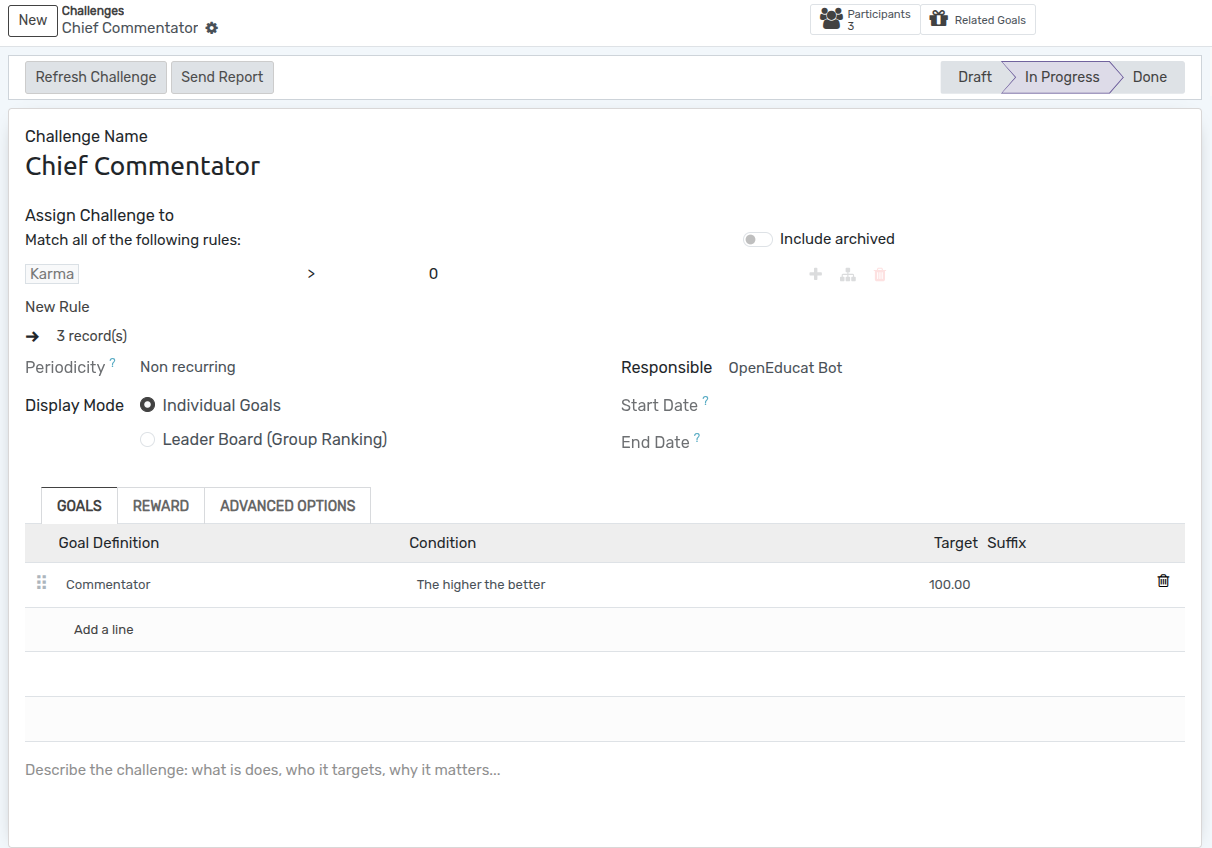
LMS Gamification
The OpenEduCat LMS Gamification module incorporates gamified motivation into online learning by rewarding student milestones with achievement badges, challenges, and leaderboards upon completing course requirements.
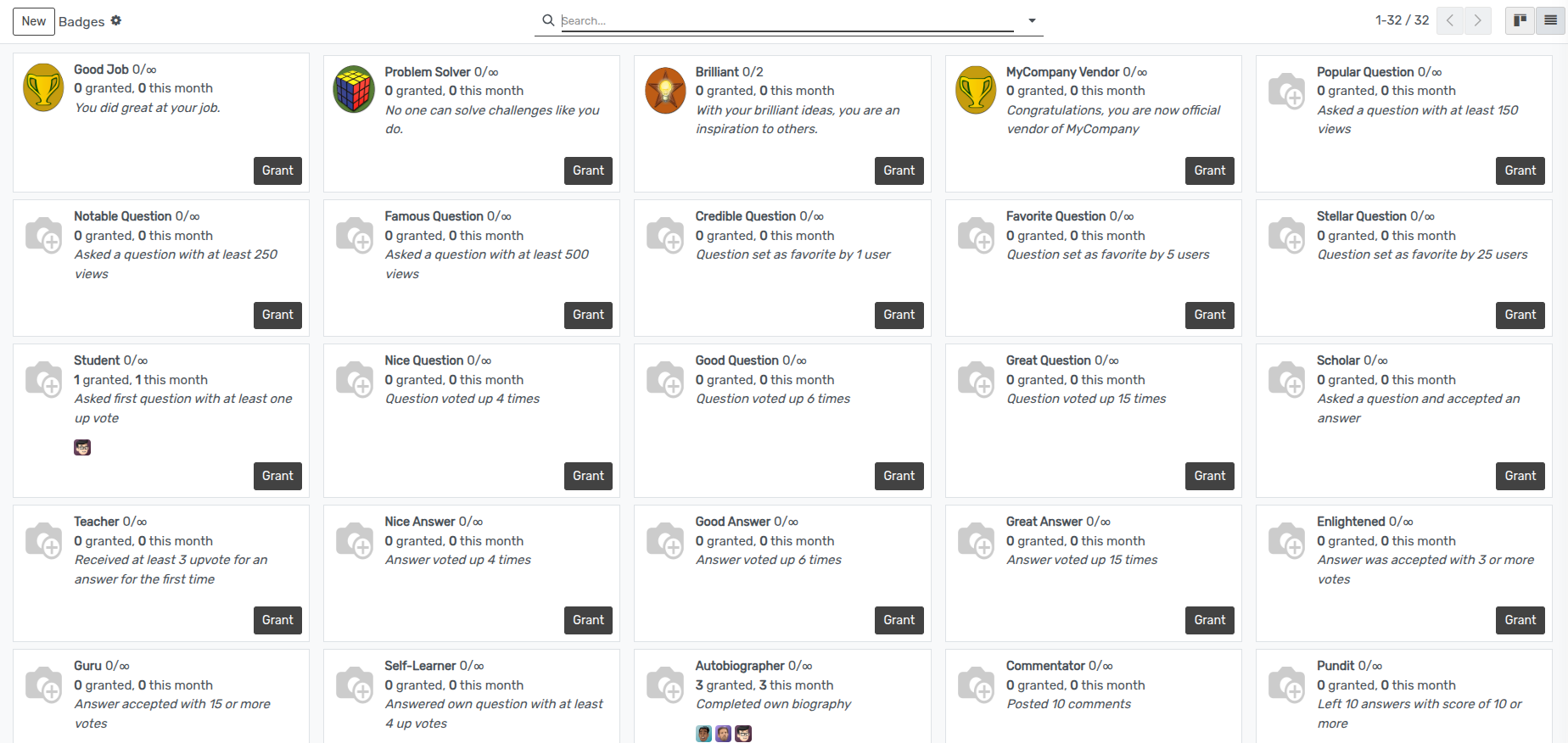
Badges & Achievement Configuration
Configuring Badges
Go to (or ).
Define badge titles (e.g., Course Master, Fast Learner, Quiz Ace).
Upload badge icons and specify description text.
Configure reward rules and point values for acquiring each badge.
Course Challenges & Goals
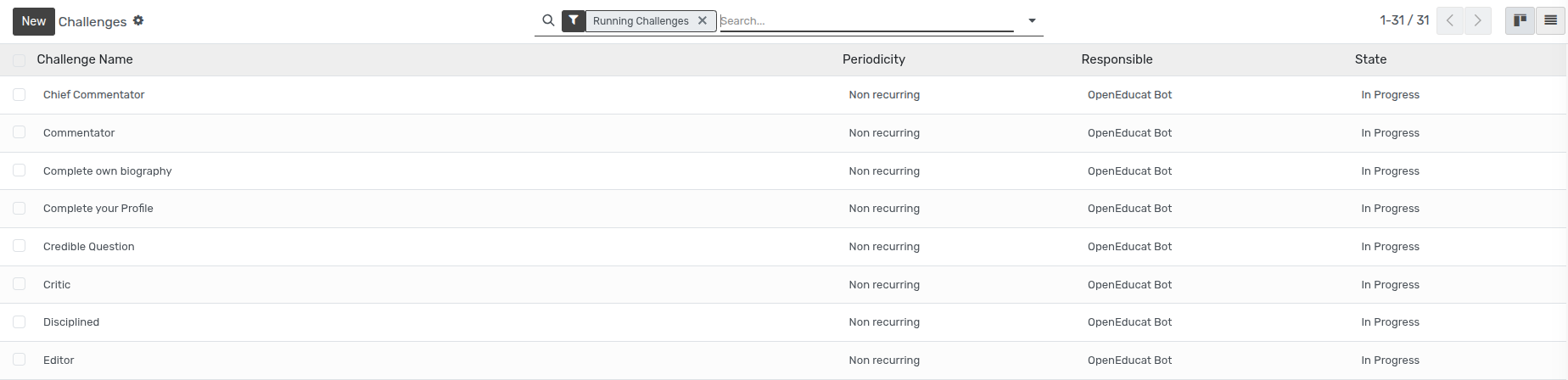
Creating a Challenge Definition
Go to .
Click
Newto create a challenge definition.Set the challenge period (Monthly, Weekly, Course Duration) and target completion goals.
Link target courses and select the badge awarded upon goal achievement.
Student Profile & Badges Display
Students view their earned badges, challenge progress, and achievements directly on their student portal profile page, boosting engagement and course completion rates.