
Desk-Register
My desk
Go to Desk ‣ Register ‣ My Desk
Click on New to create a new Desk register .
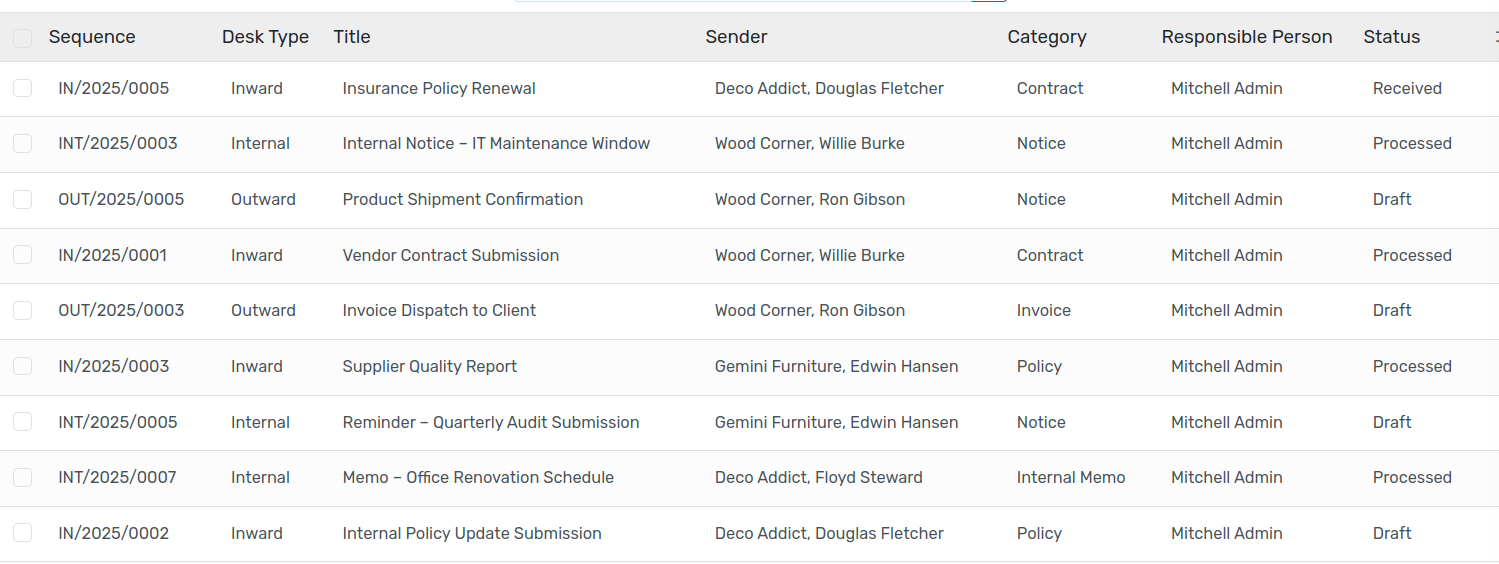
The My Desk dashboard provides a personalized view for each responsible person.
It displays only the records where the logged-in user is set as the Responsible Person.
Each user can view, track, and manage only their assigned records.
This ensures better accountability and simplifies record handling.
All desk
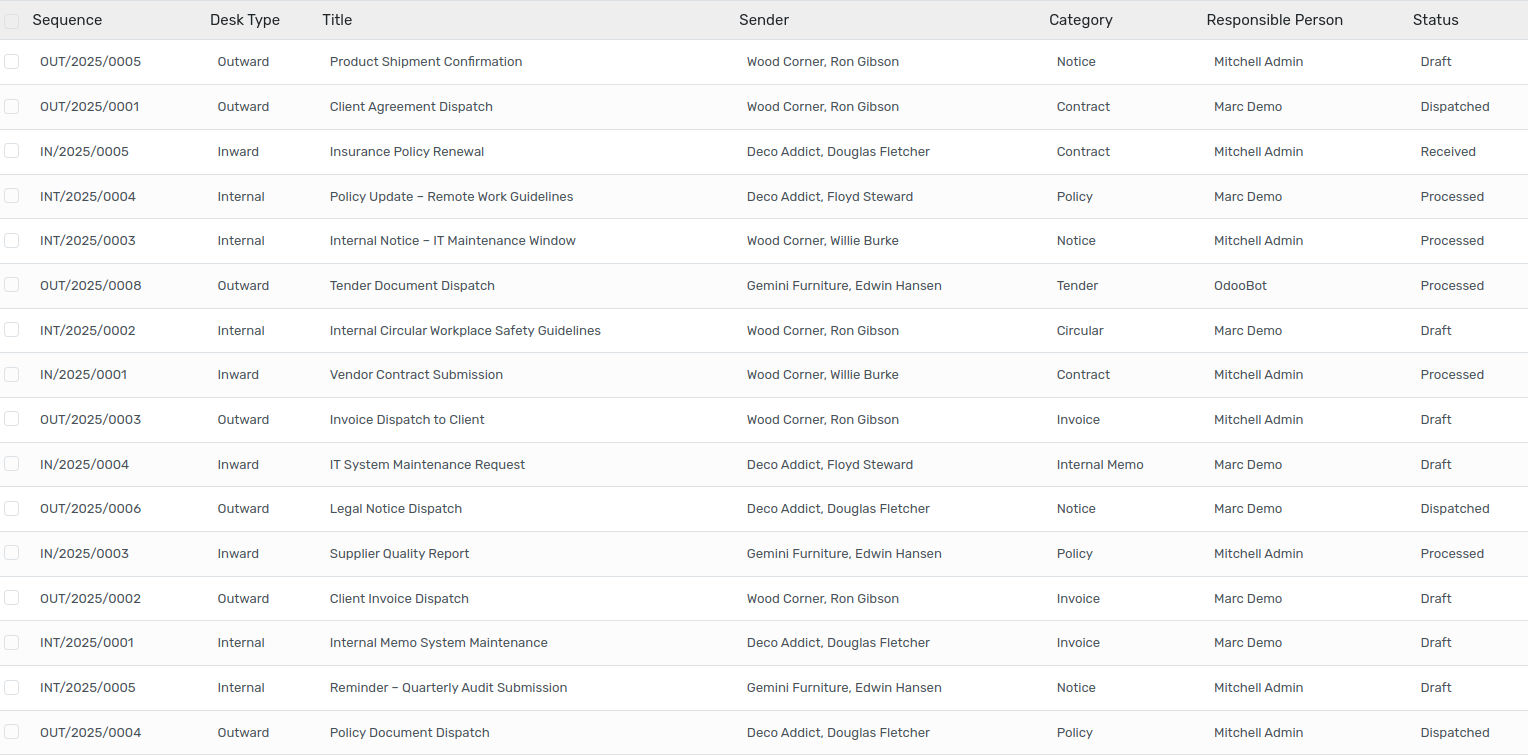
Displays records from all users, regardless of the responsible person.
Useful for administrators, managers, or coordinators who need a consolidated view.
Enables monitoring, tracking, and managing of all desk activities in one place.
Desk Report
Users can generate a consolidated Desk Report directly from the system. This feature allows records to be exported in a structured PDF format for review, sharing, or record-keeping.
To generate the report:
Open the required record(s) in the Desk Register.
Click on the Action button available in the top-right corner. From the dropdown menu, select Desk Report.
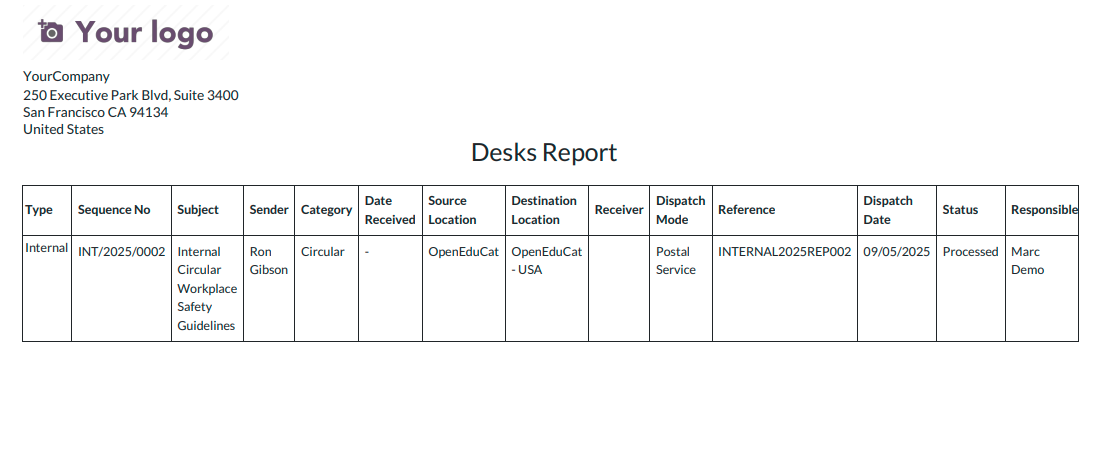
The PDF file can then be downloaded, saved, or printed as required.
This functionality ensures that important desk register information can be easily documented and shared in a professional format, making it useful for audits, reviews, or official Desk.