
التكوين الأساسي
يوفر OpenEduCat تسهيلات لإجراء بعض التكوينات الأساسية. هناك خمس ميزات للتكوين الأساسي الذي يمكنك تكوينه.
المنشأة:- تحديد المرافق المختلفة للمعهد.
Categories :- Specify the religions.
أنواع الأنشطة:- تحديد الأنشطة المختلفة التي تقام في المعهد.
أنواع المنح الدراسية: - تكوين أنواع المنح الدراسية المختلفة.
Scholarship Stages :- Configure the stages through which a scholarship is followed.
أنواع الإنجاز: - يمكنك أيضًا تكوين تفاصيل نوع الإنجاز.
تكوين المنشأة
Go to SIS ‣ Configuration ‣ General Management ‣ Facilities.

تفاصيل نموذج المنشأة
الاسم :- اسم المنشأة . سيتم عرضه في النظام بأكمله.
الكود :- كود المنشأة . رمز فريد للمنشأة.
تكوين الفئات
Go to SIS ‣ Configuration ‣ General Management ‣ Categories.
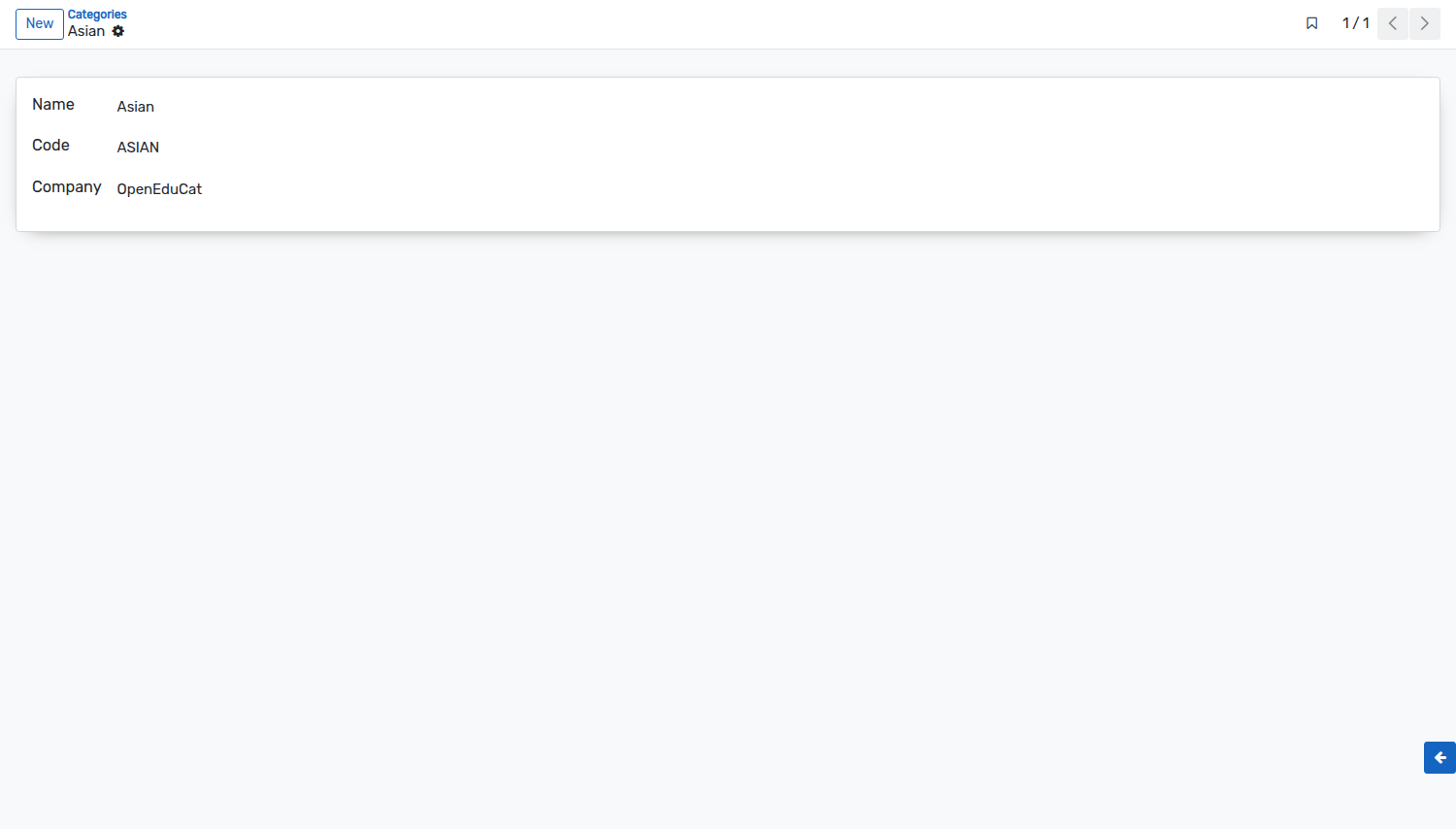
تفاصيل نموذج الفئات
الاسم: - أعط اسمًا للفئة.
الكود :- حدد رمز الفئة . يجب ألا يزيد حجم الكود عن 4 أحرف.
تكوين أنواع المنح الدراسية
Go to .
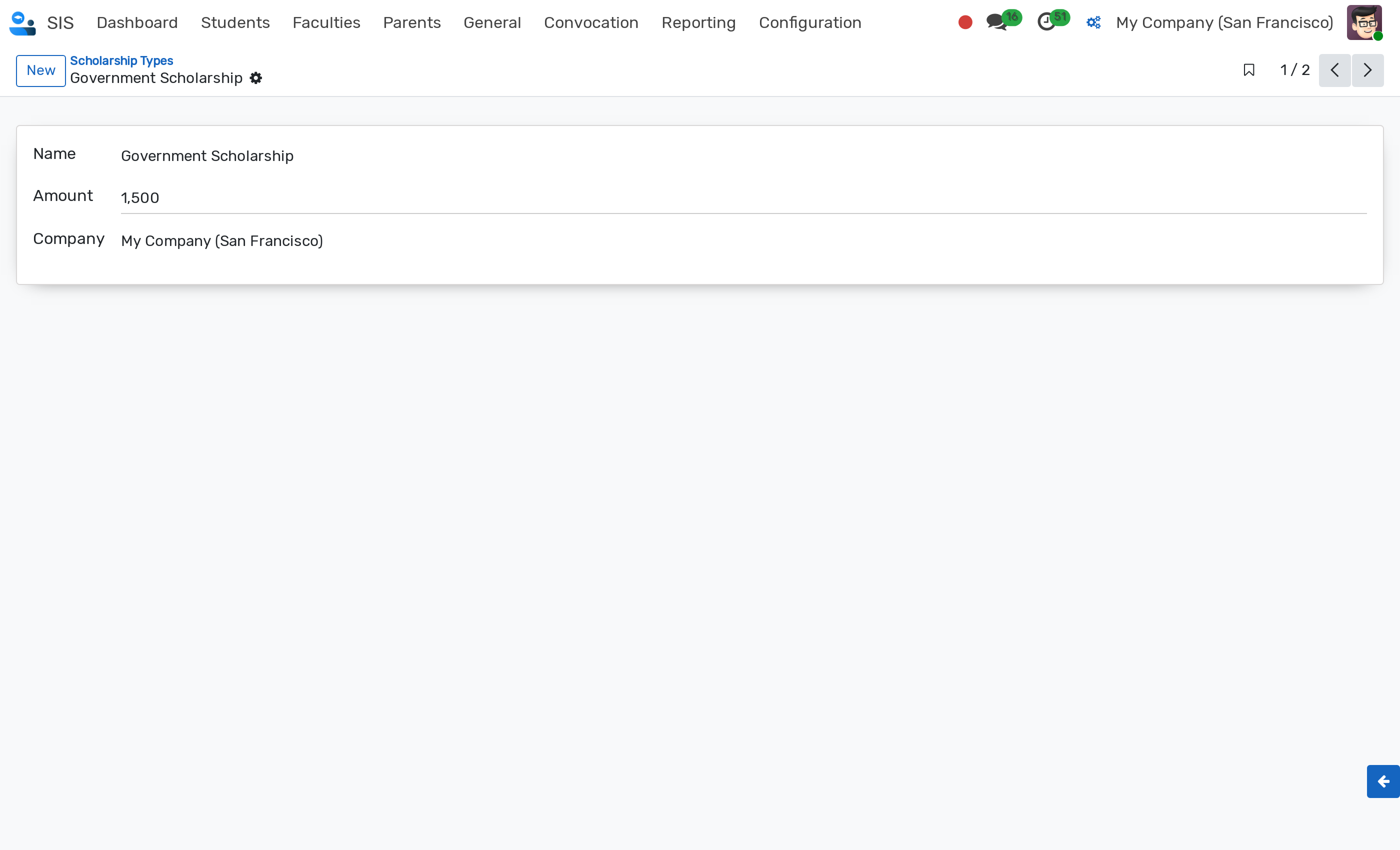
تفاصيل نموذج نوع المنحة
Name :- Name of the scholarship type.
Amount :- Default monetary amount for this scholarship type. The amount must be strictly greater than zero (> 0).
Company :- Company to which the scholarship type belongs (multi-company support).
Scholarship types can be archived when no longer active. An Archived ribbon is displayed on the record form.
Configure Scholarship Stages
Scholarship Stages define the lifecycle states for scholarship requests. They are displayed in the status bar of the scholarship form and as columns in the Kanban view (see Scholarship).
Go to . Click on New to create a new stage.
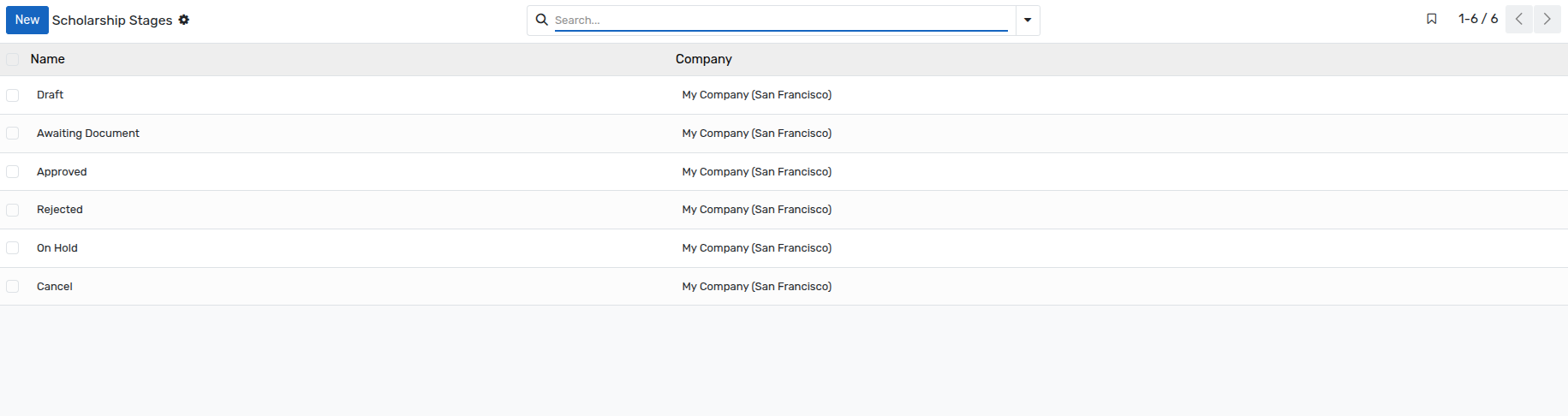
Details of Scholarship Stages Form
Name :- Name of the stage, as displayed on the scholarship. This field is mandatory.
Company :- Company the stage belongs to. This field is mandatory, and is only displayed when several companies are managed.
ملاحظة
The stages
Draft,Awaiting Document,Approved,Rejected,On HoldandCancelare available in a database installed with demonstration data. If your database has been created without demonstration data, create here the stages of your own procedure before recording the first scholarship.A stage that is already used by a scholarship cannot be deleted.
تكوين أنواع الأنشطة
Go to SIS ‣ Configuration ‣ Activity Management ‣ Activity Types.

تفاصيل أنواع الأنشطة
Name :- Name of the activity type. It will be displayed in whole system.
Company :- Company to which the activity type belongs (multi-company support).
تكوين أنواع الإنجاز
Go to SIS ‣ Configuration ‣ Activity Management ‣ Achievement Types.

تفاصيل أنواع الإنجاز
الاسم: - أعط اسمًا لأنواع الإنجاز. يجب ألا يزيد الحد الأقصى لطول الاسم عن 64 حرفًا.
الكود: - أعط الكود لأنواع الإنجاز.