
Basic Configuration
OpenEduCat provides facility to make some basic configuration. There are five features for basic configuration that you can configure.
Facility :- Specify different facilities of an institute.
Categories :- Specify the religions.
Activity Types :- Specify different activities which is held in an institute.
Scholarship Types :- Configure different scholarship types.
Scholarship Stages :- Configure the stages through which a scholarship is followed.
Achievement Types :- You can also configure the achievement type details.
Configure Facility
Go to SIS ‣ Configuration ‣ General Management ‣ Facilities.

Details of Facility Form
Name :- Name of the facility. It will be displayed in whole system.
Code :- Code of the facility. Unique code for facility.
Configure Categories
Go to SIS ‣ Configuration ‣ General Management ‣ Categories.
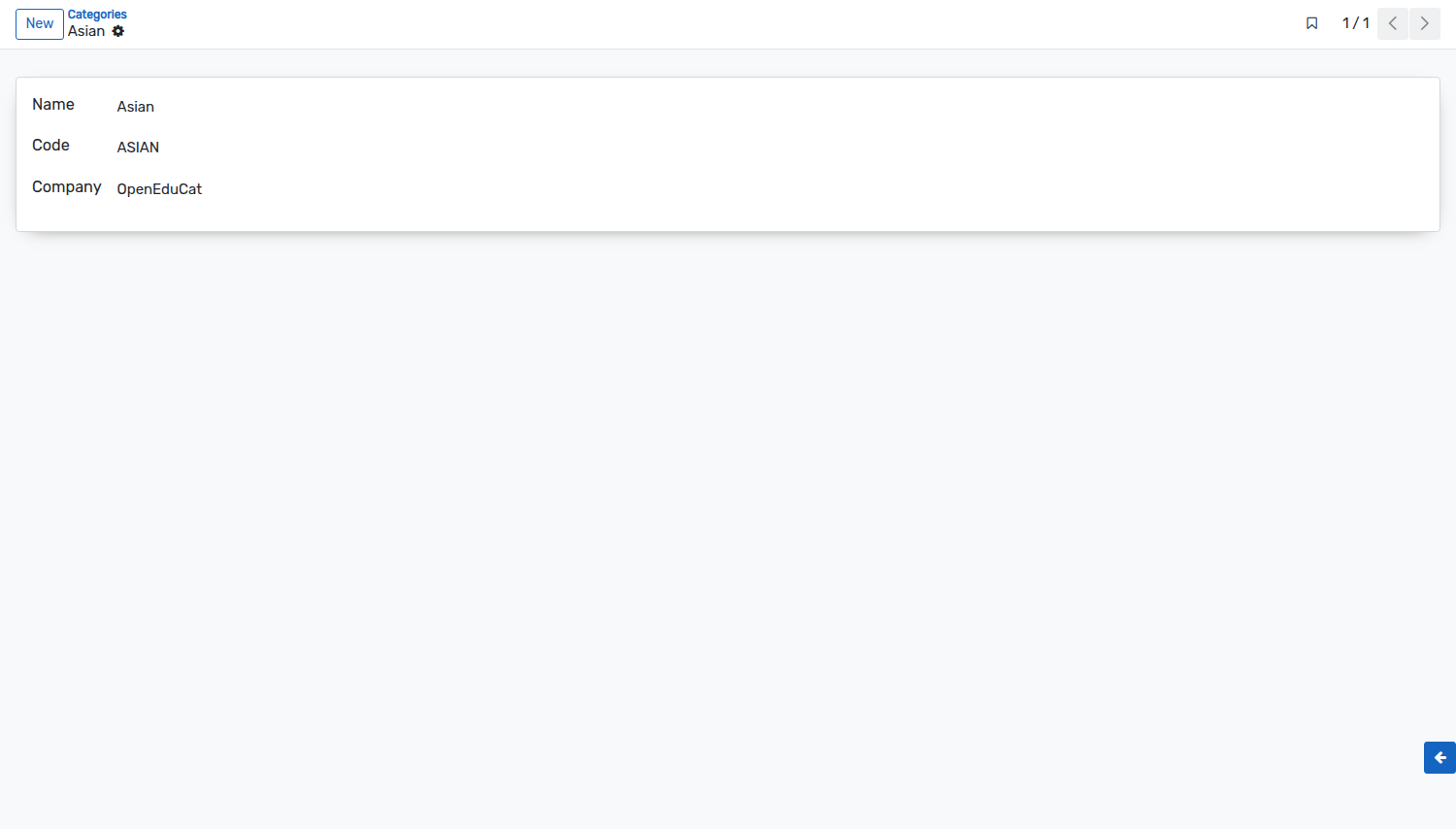
Details of Categories Form
Name :- Give name to the category.
Code :- Specify the code of the category. The size of the code should not be more than 4 characters in length.
Configure Scholarship Types
Go to .
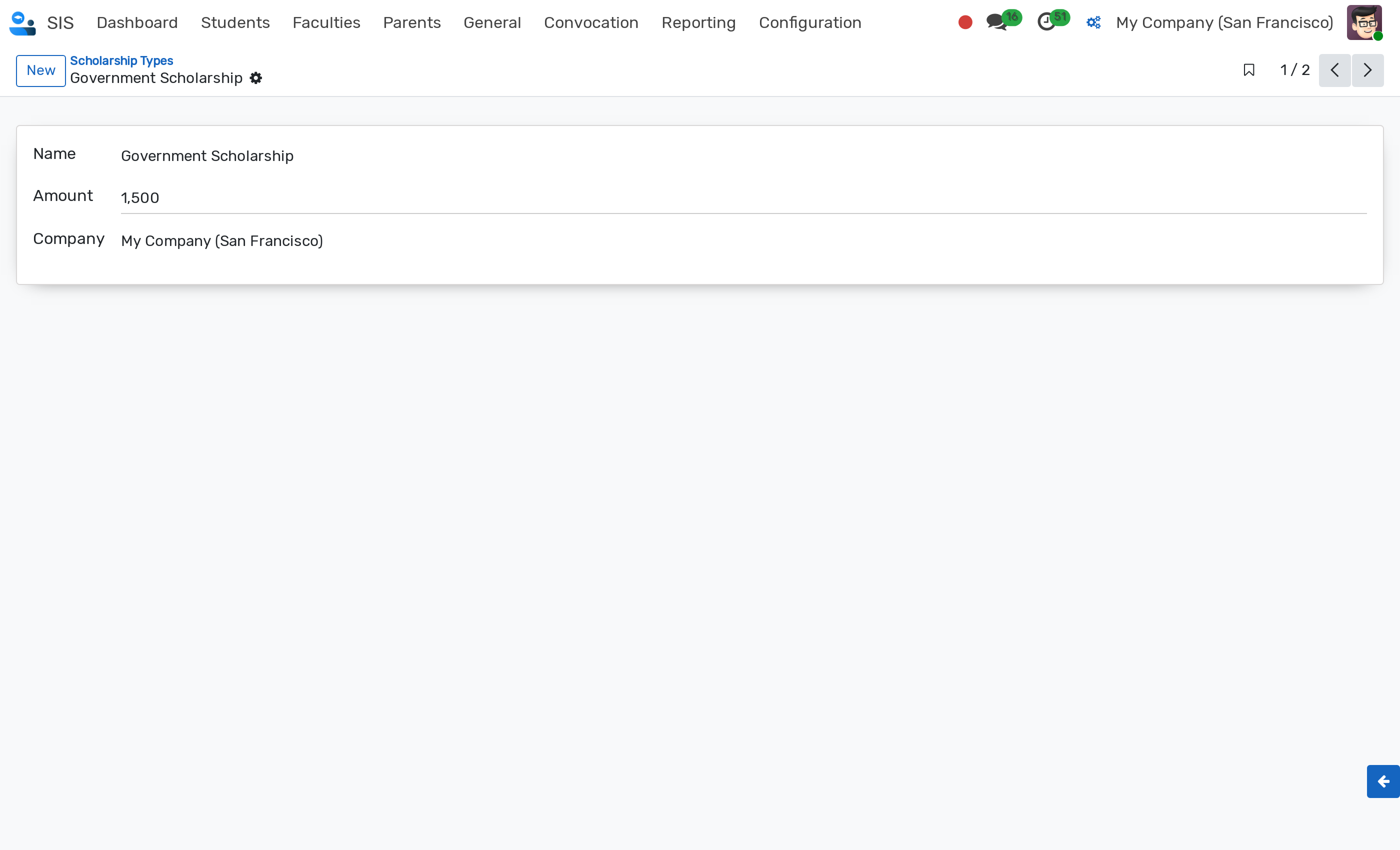
Details of Scholarship Type Form
Name :- Name of the scholarship type.
Amount :- Default monetary amount for this scholarship type. The amount must be strictly greater than zero (> 0).
Company :- Company to which the scholarship type belongs (multi-company support).
Scholarship types can be archived when no longer active. An Archived ribbon is displayed on the record form.
Configure Scholarship Stages
Scholarship Stages define the lifecycle states for scholarship requests. They are displayed in the status bar of the scholarship form and as columns in the Kanban view (see Scholarship).
Go to . Click on New to create a new stage.
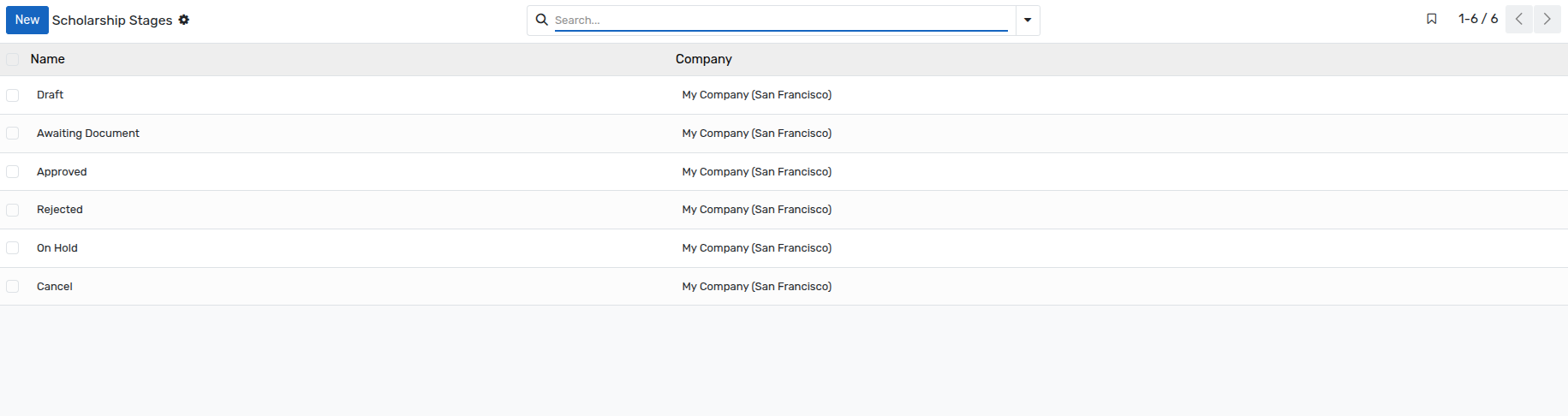
Details of Scholarship Stages Form
Name :- Name of the stage, as displayed on the scholarship. This field is mandatory.
Company :- Company the stage belongs to. This field is mandatory, and is only displayed when several companies are managed.
Note
The stages
Draft,Awaiting Document,Approved,Rejected,On HoldandCancelare available in a database installed with demonstration data. If your database has been created without demonstration data, create here the stages of your own procedure before recording the first scholarship.A stage that is already used by a scholarship cannot be deleted.
Configure Activity Types
Go to SIS ‣ Configuration ‣ Activity Management ‣ Activity Types.

Details of Activity Types
Name :- Name of the activity type. It will be displayed in whole system.
Company :- Company to which the activity type belongs (multi-company support).
Configure Achievement Types
Go to SIS ‣ Configuration ‣ Activity Management ‣ Achievement Types.

Details of Achievement Types
Name :- Give name to the achievement types. The maximum length of the name should not be greater than 64 characters.
Code :- Give Code to the achievement types.