
Gradebook Excel Report Wizard
OpenEduCat Grade Book provides an Excel report wizard to generate and export detailed student grade reports into Microsoft Excel (.xlsx) format.
Generate Gradebook Excel Report
Go to .
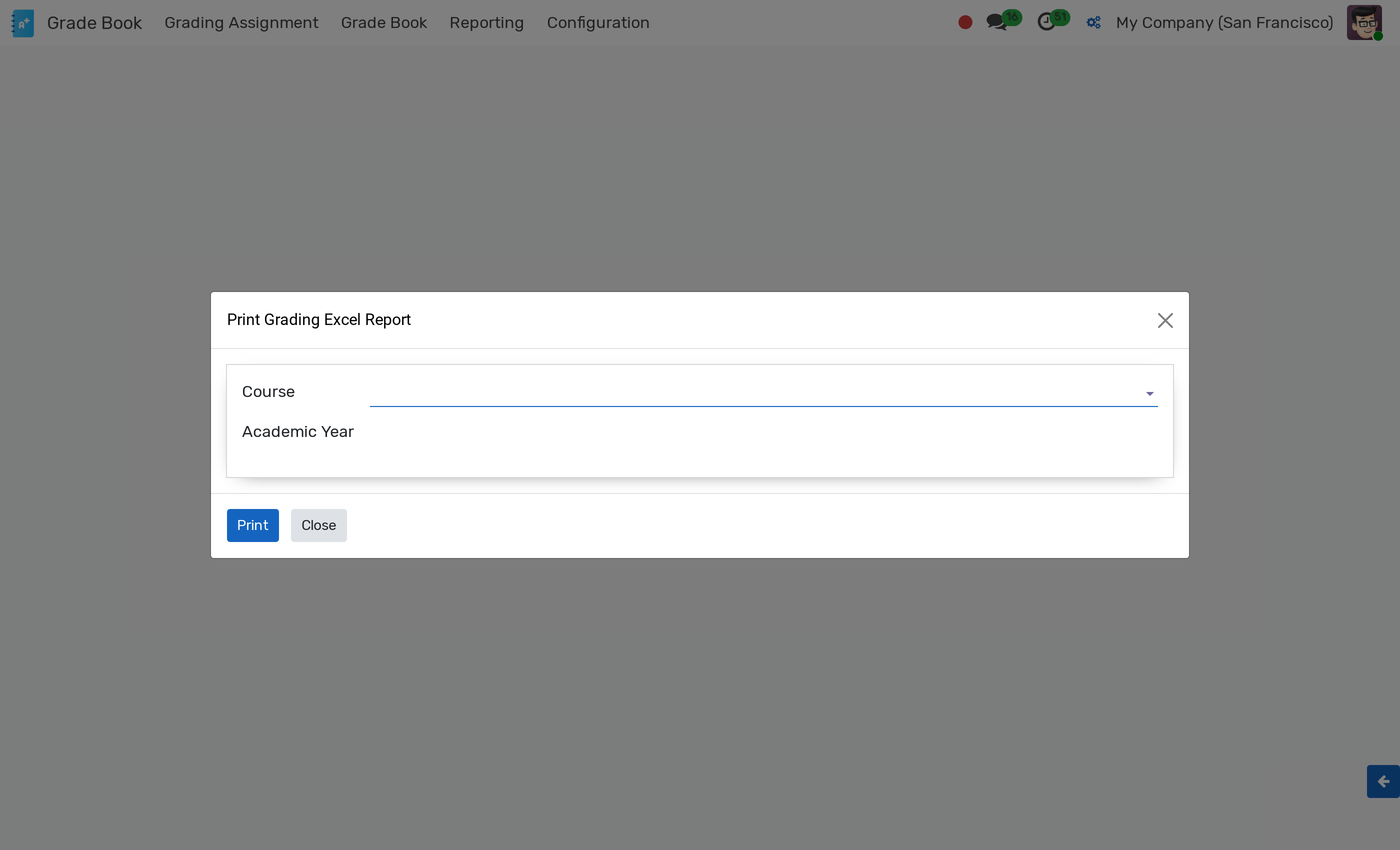
Wizard Parameters
Course :- Select the course instance for which the gradebook report is generated.
Academic Year :- Select the target academic year to filter student grades.
Actions
Click Export Excel to download the generated
.xlsxgradebook file containing term breakdown, total weightages, marks, GPAs, and final grades.Click Cancel to close the wizard.