LMS Survey
The OpenEduCat LMS Survey module allows instructors to attach evaluation surveys, course feedback forms, and academic assessments to online courses.
Attaching Surveys to Courses
Open the course record in .
Click the Surveys smart button in the course header box.
Select or create an evaluation survey record (
survey.survey) to link it to the course.

Designing Course Surveys
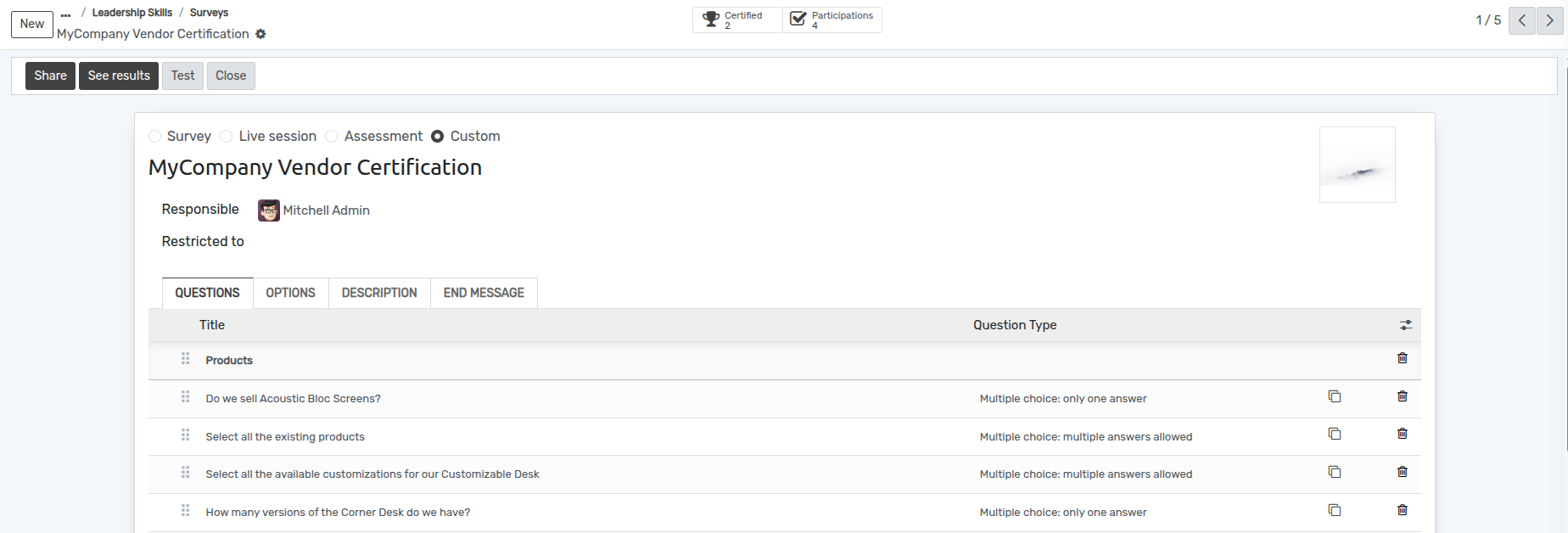
In the survey form, define survey pages and question sections.
Choose question types (Multiple Choice, Single Line Text, Matrix, Rating Scale).
Configure scoring rules, time limits, and certificate generation upon completion.

Student Feedback & Results Analysis
Students complete feedback surveys directly from their course portal page upon lesson completion. Instructors can review survey submissions, participant statistics, and analytical graphs to continuously improve course quality.