Grading Reports
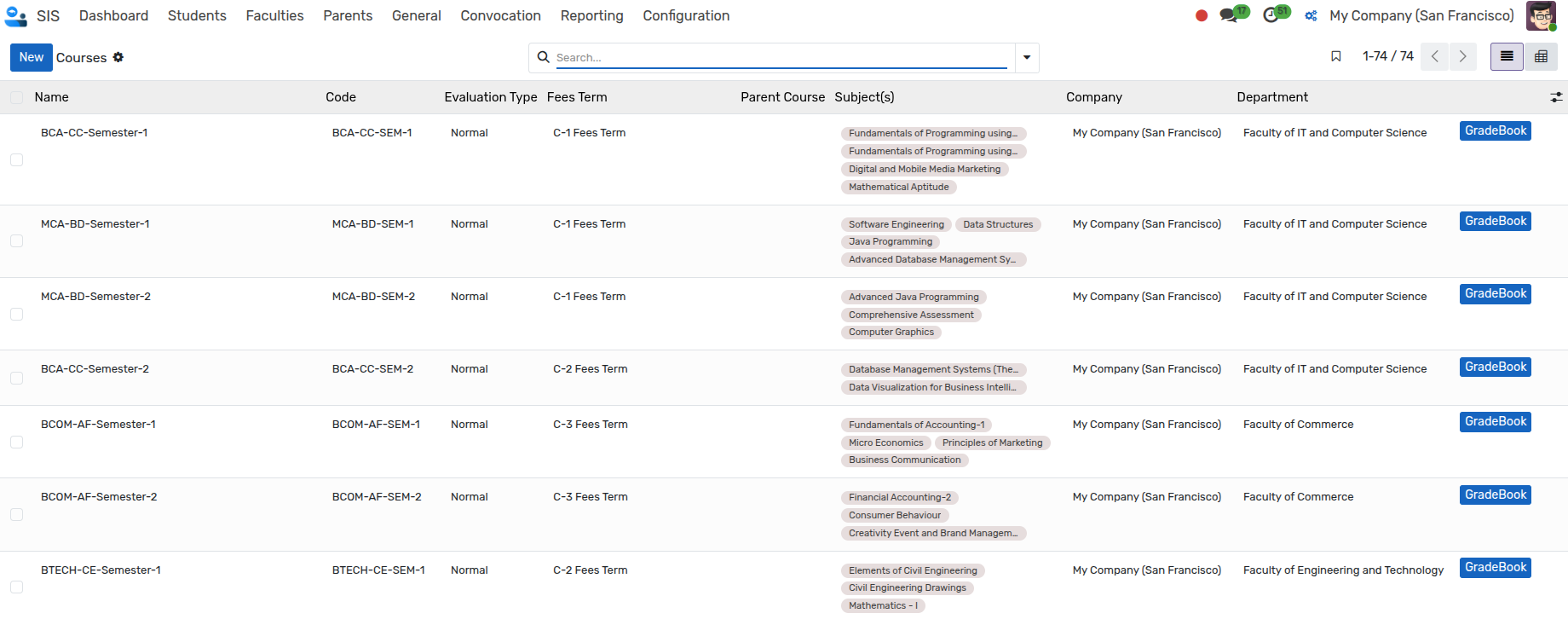
Grade By Course
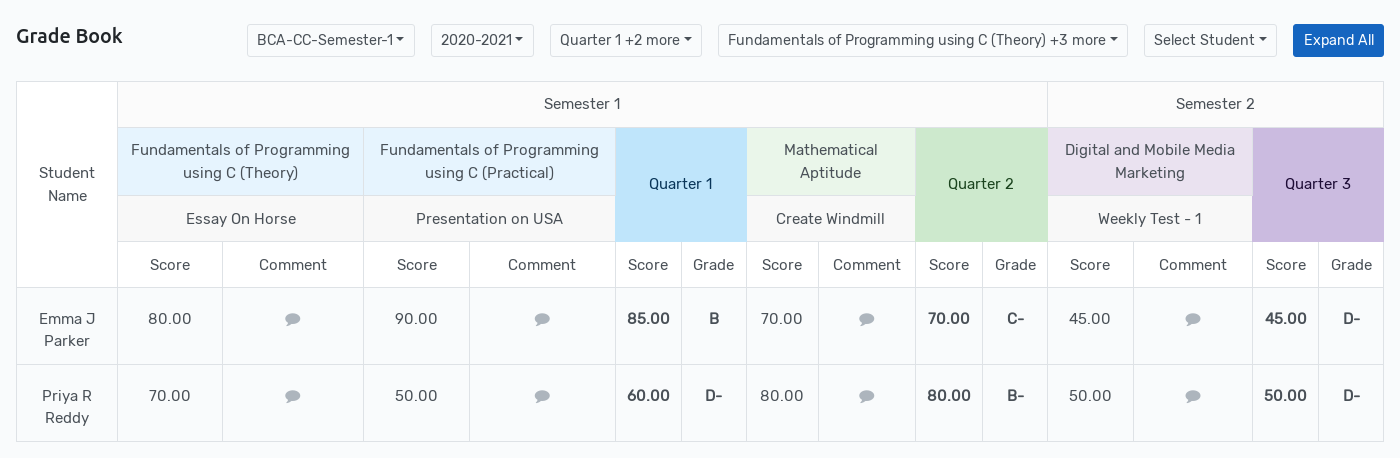
Go to . Here you will find GradeBook By Course in interactive grid format.
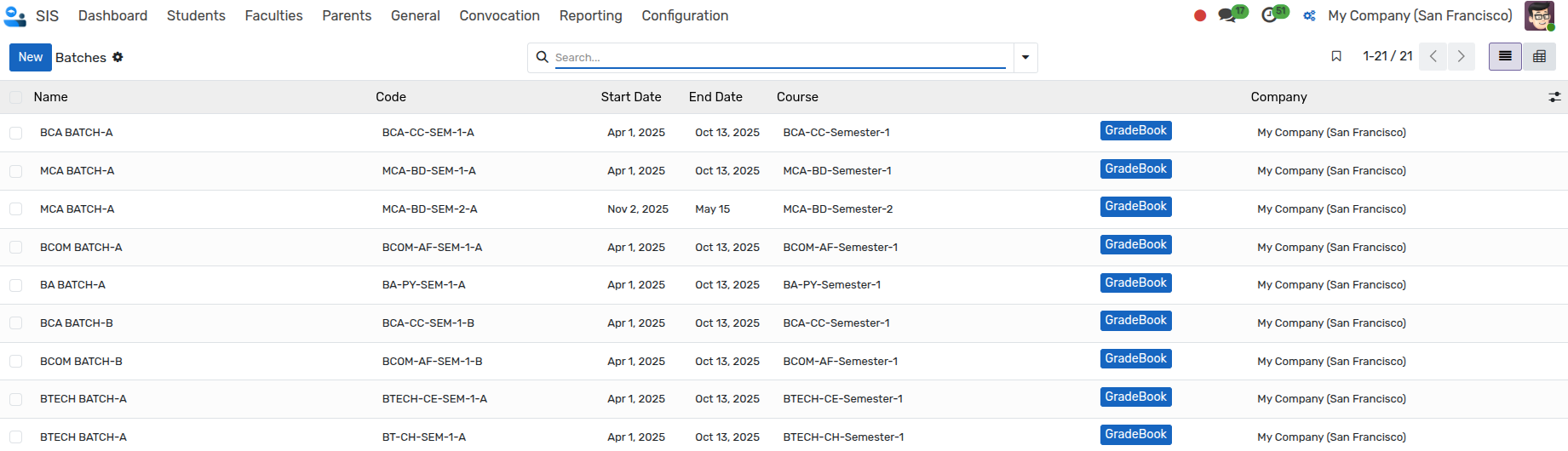
Grade By Batch
Go to . Here you will find GradeBook By Batch.
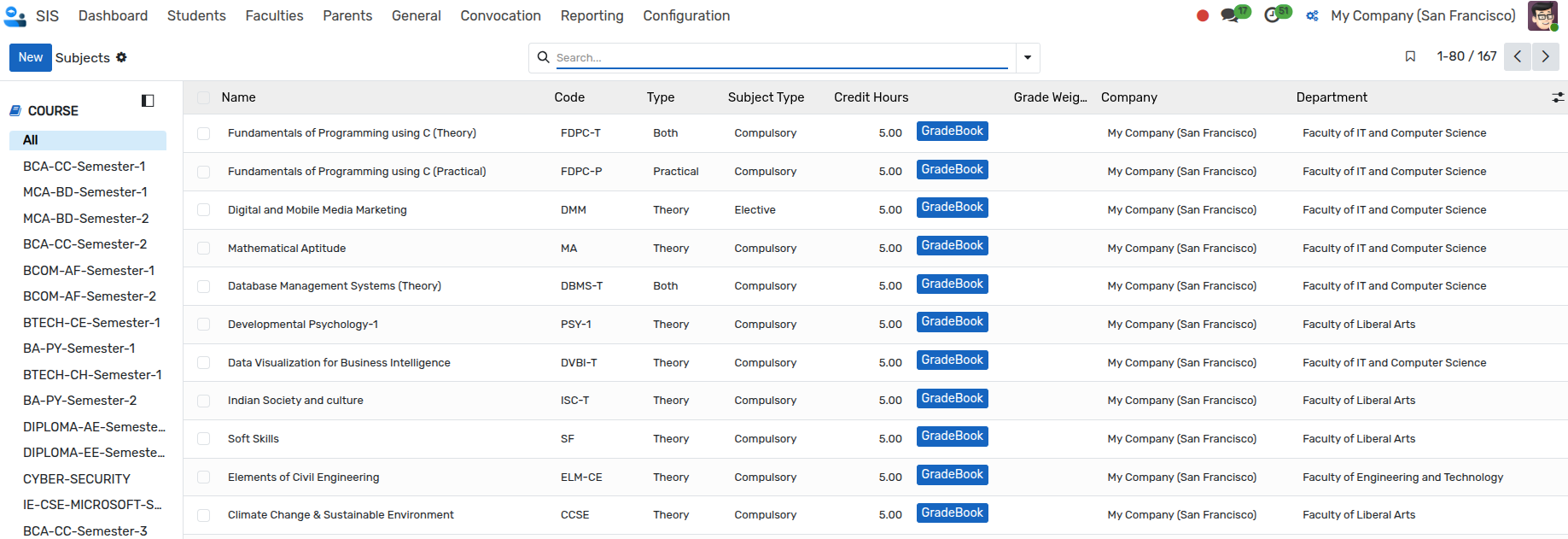
Grade By Subject
Go to . Here you will find GradeBook By Subject.
Grade By Report
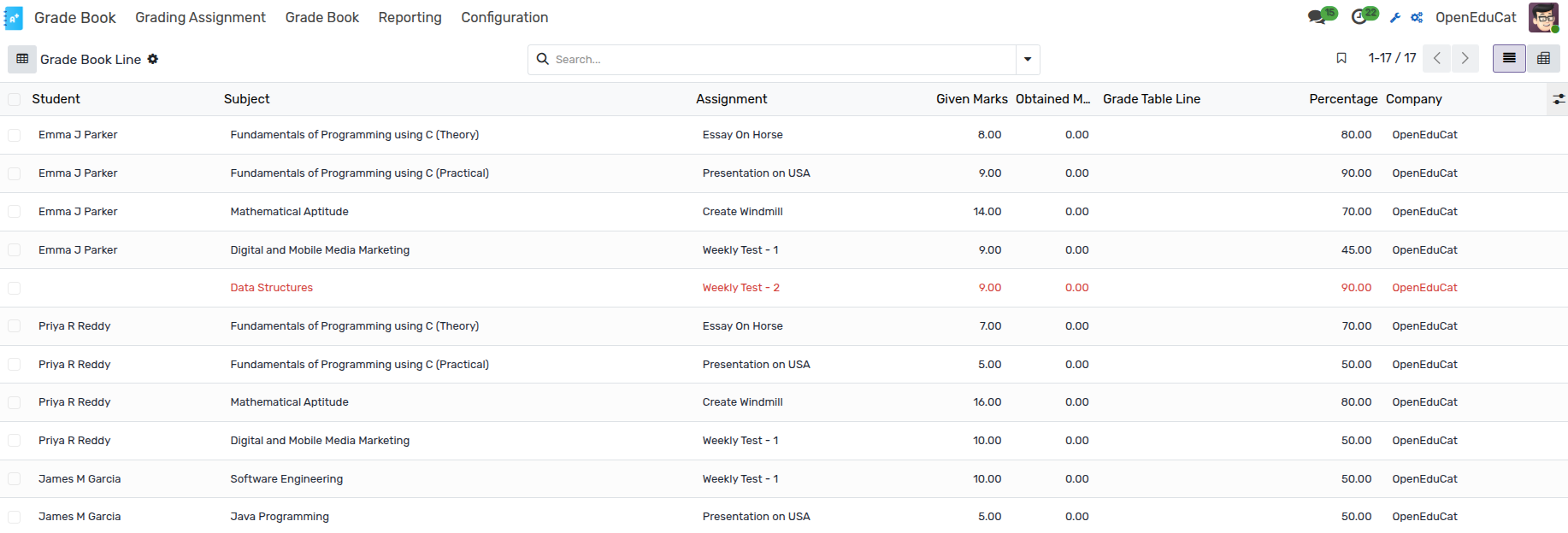
Go to . Here you will find student grade records categorized by specific assignment reports.
Grade Analysis
Go to . Here you will find Grade Analysis of the students.
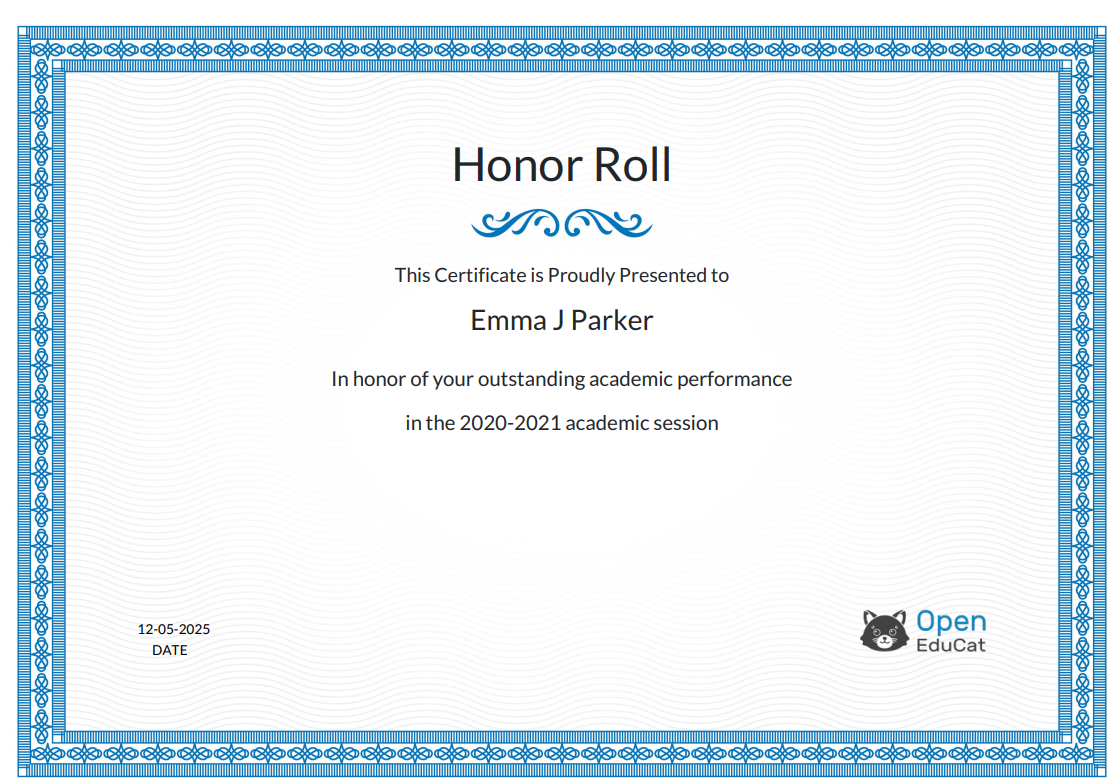
Honor Roll
Go to .
Click on New to create a new Honor Roll.
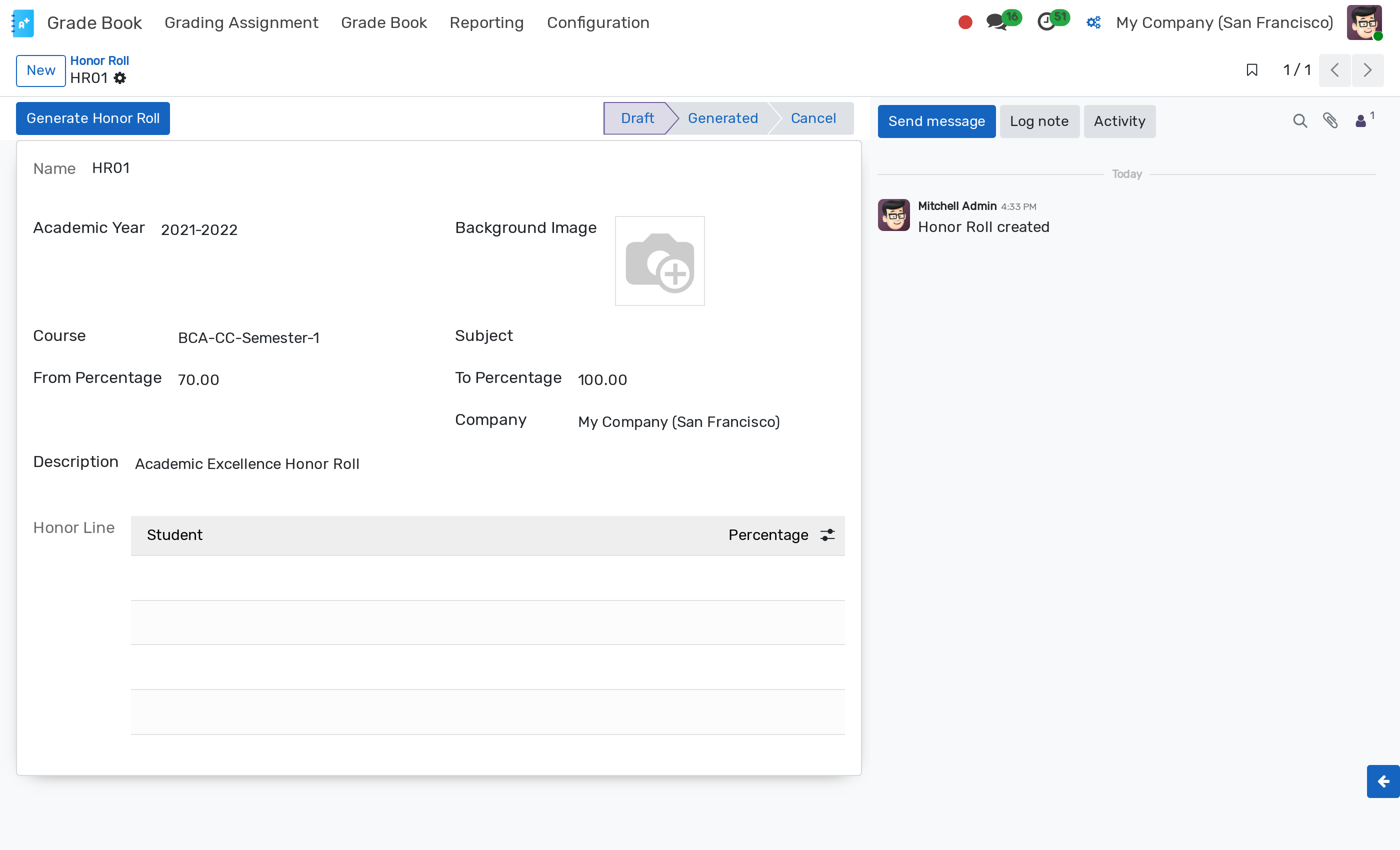
Academic Year :- Select the Academic Year from the dropdown list whose honor roll you want to create.
Background Image :- Set the background image to display on the report background.
Course :- Select the course from the dropdown list for the honor roll.
Subject :- Select the subject from the dropdown list for the honor roll.
From Percentage :- Set the minimum percentage threshold for the honor roll.
To Percentage :- Set the maximum percentage threshold for the honor roll.
Click on Generate Honor Roll to generate the student list based on selected parameters.
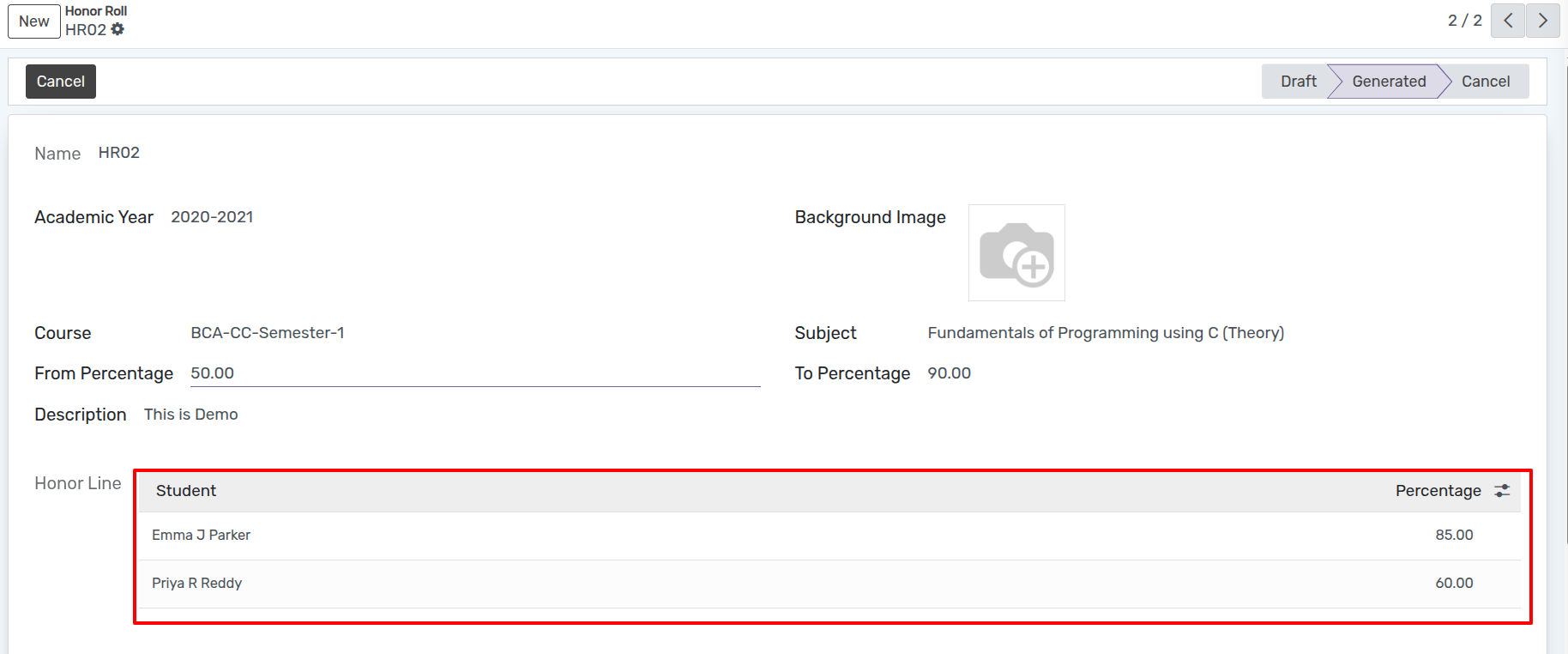
Click on to print the Honor Roll Certificate PDF.
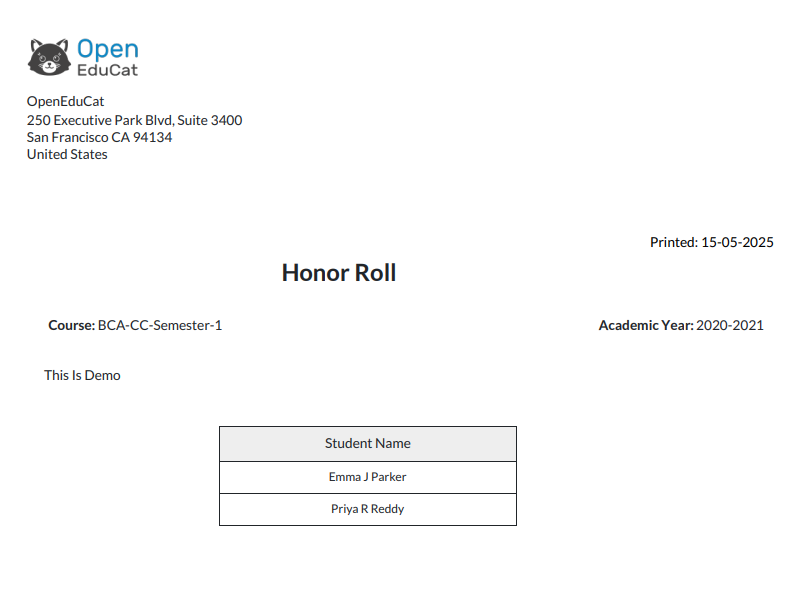
Click on to print the Honor Roll List PDF.