Library Cards
We can create a library card and assigned to a person.
Go to .
Click on New to create a new library card.
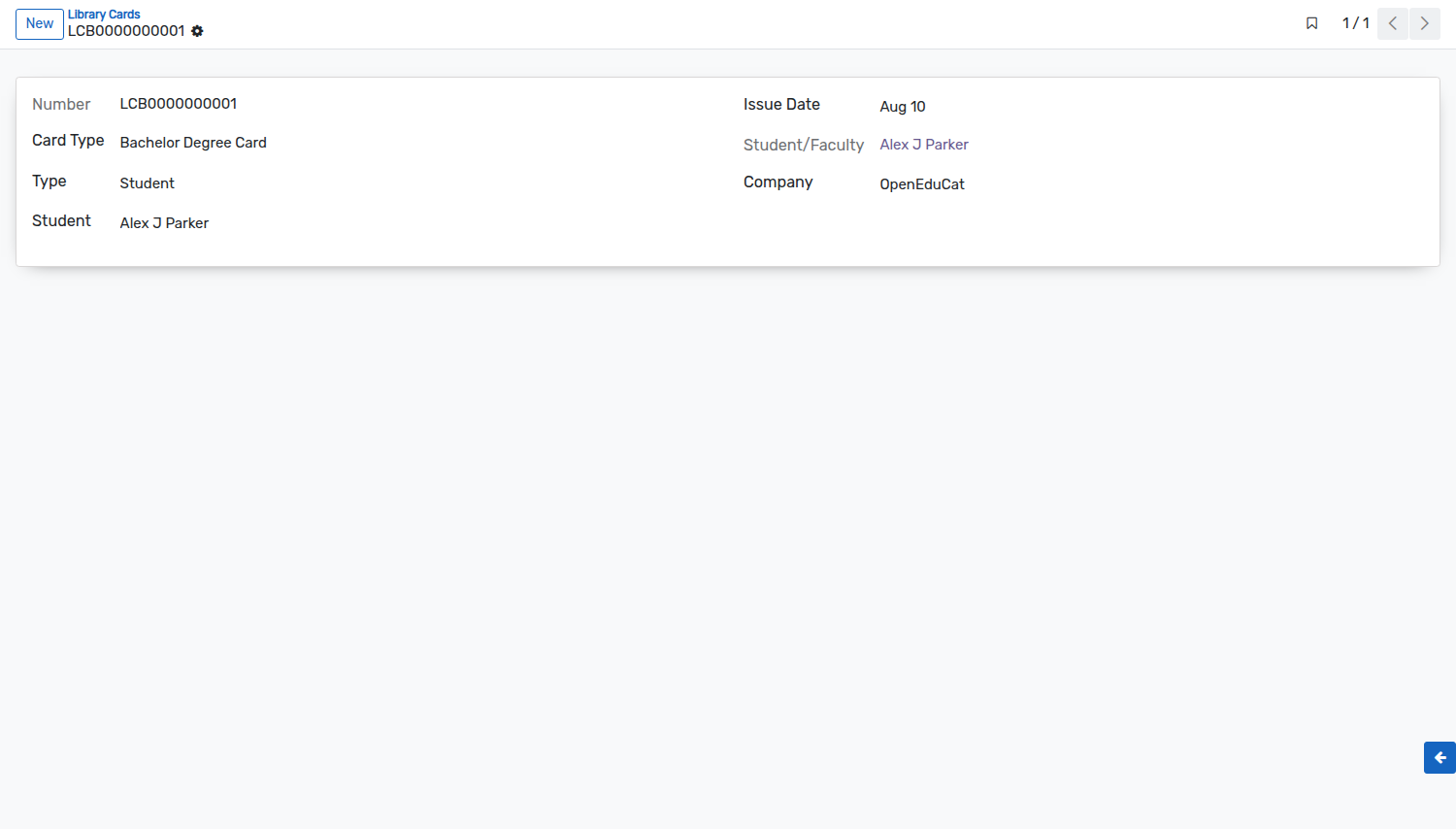
Details of Library Cards Form
Number :- Number is the unique card number.
Issue Date :- Issue Date is on which date the card was issued to the person. By default todays date appears in this field.
Card Type :- Card Type is the type of card being created which can be selected/created from the list.
Type :- Type is either faculty or the student to whom the card is allocated. By default Student appears in this field.
When a new library card is issued to a student, it can be allocated to student or faculty in their profile.
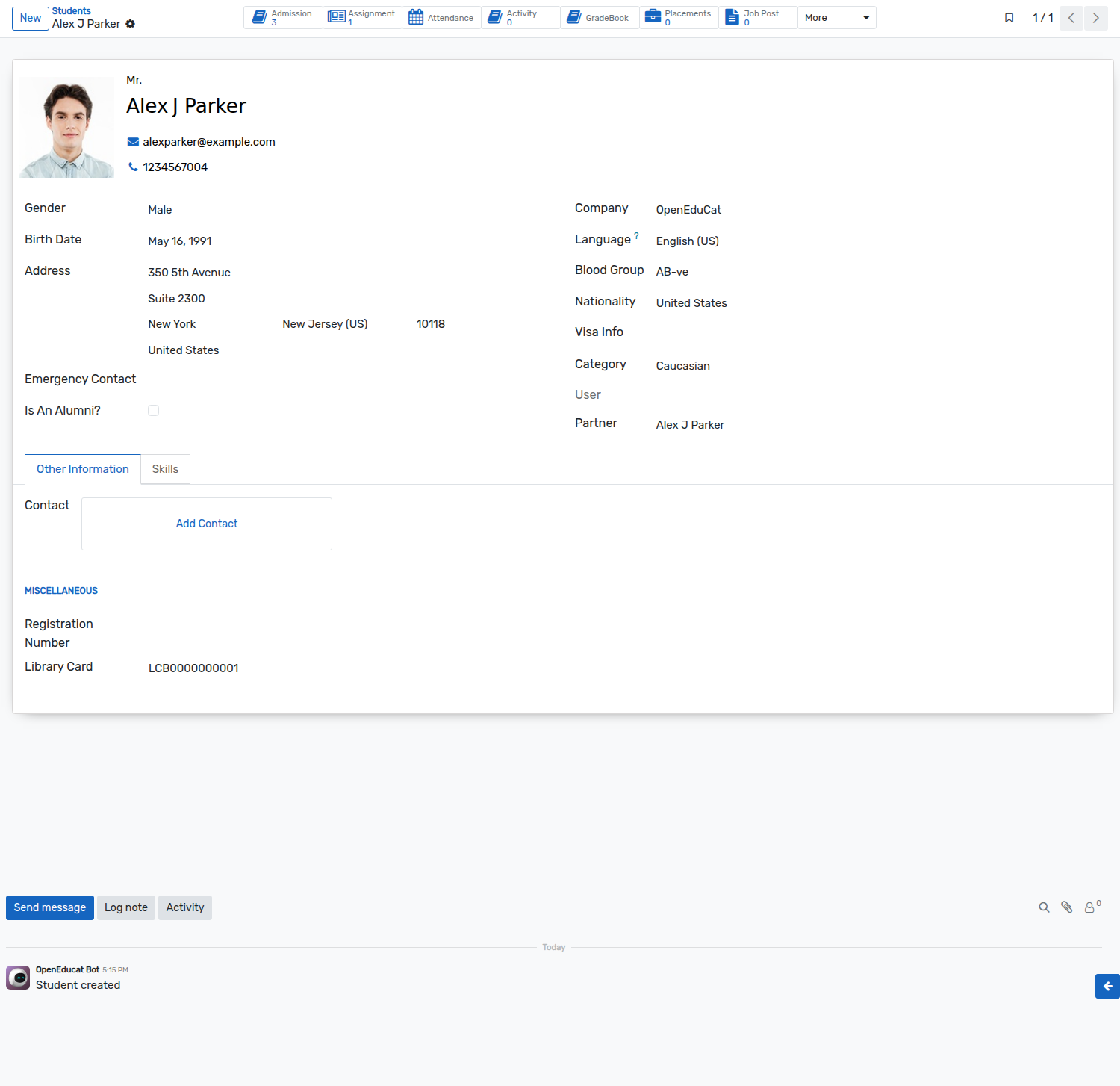
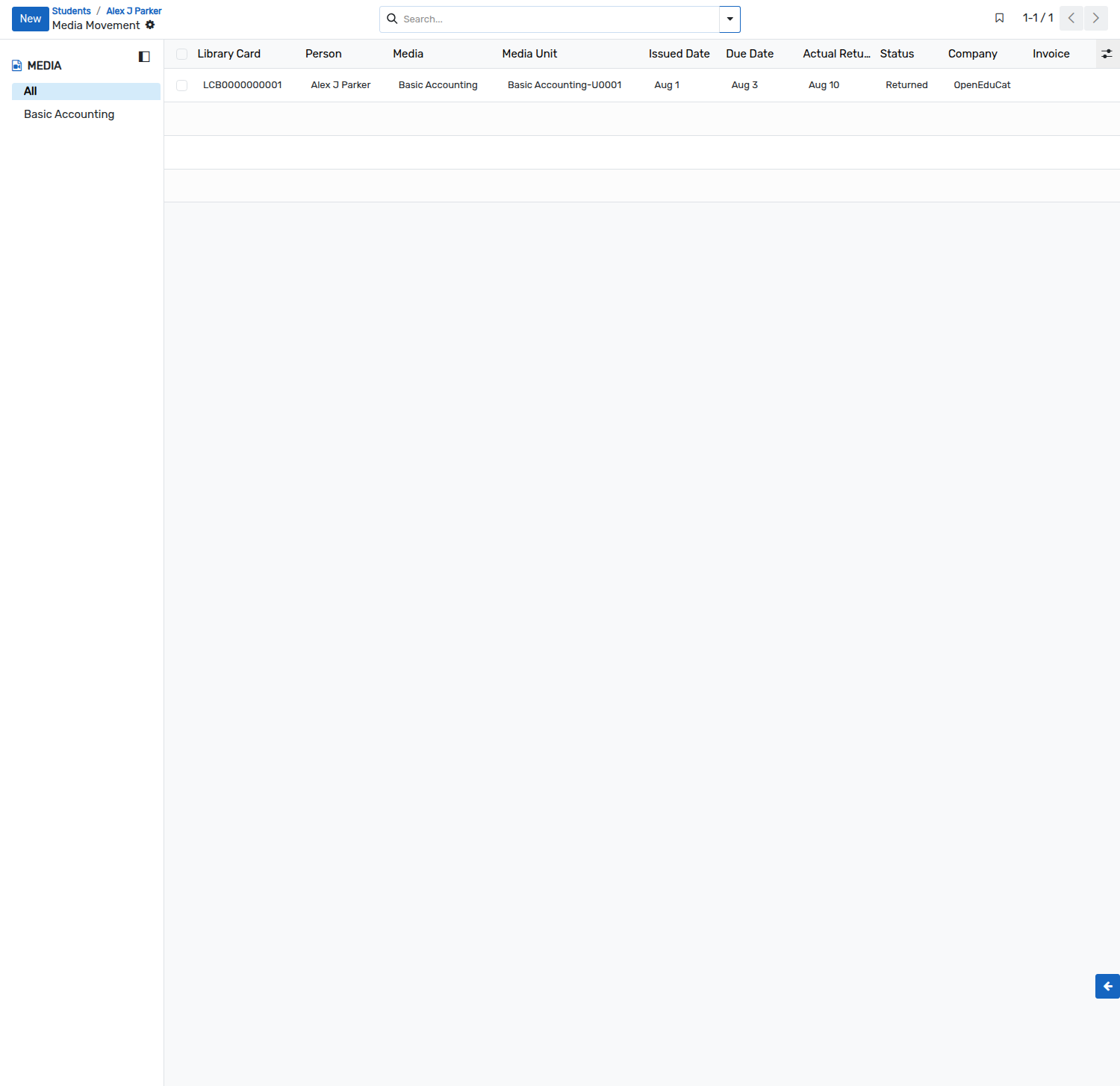
The Media smart button on the top of the student form opens the media movements of that student. When the form already carries many smart buttons, it is found under the
Moremenu.