
How to Create Assignment Stages
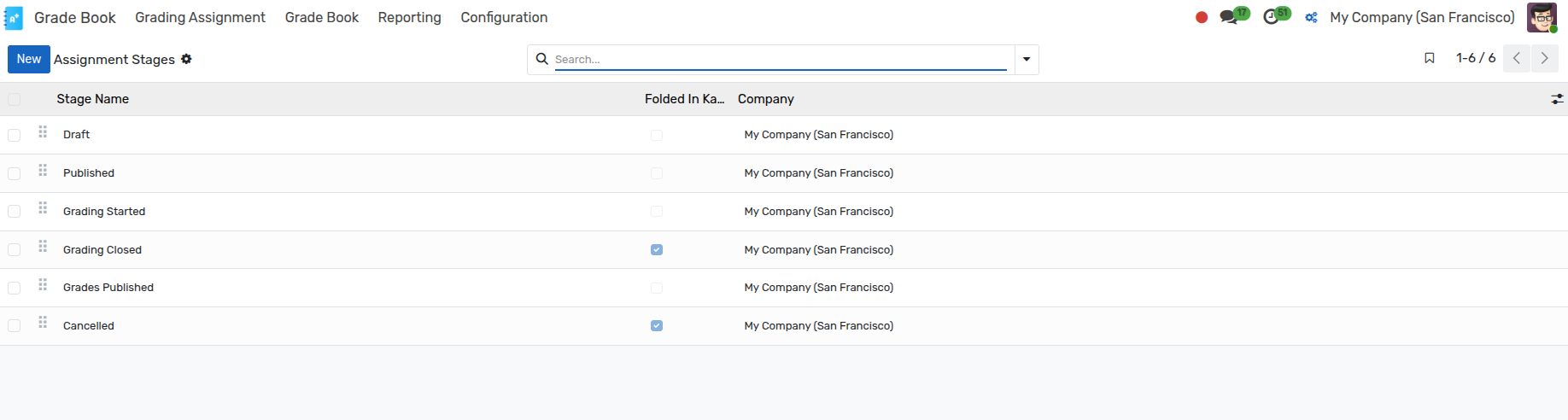
Assignment Stages define the progression phases for grading assignments in OpenEduCat Grade Book (e.g. Draft, In Progress, Evaluation, Completed).
Configure Assignment Stages
To configure Assignment Stages:
Go to .
Click on New to create a new Assignment Stage.
Details of Assignment Stage Form
Name :- Provide a descriptive name for the assignment stage.
Sequence :- Numerical order value to arrange stages sequentially in Kanban views and workflows.
Folded in Kanban :- Toggle boolean to fold or collapse the stage column by default in Kanban view.
Stage Type :- Category classification of the stage.