
Configure Course Change Fees
Before a student can request a move into a course, the fees to be charged for changing to that course are configured on the course record itself. This lets the institution specify, per course, whether a course-change fee applies and select the product (and price) associated with that fee.
Configure the Course
Go to and open the target course that students can request to transfer into (the requested course).
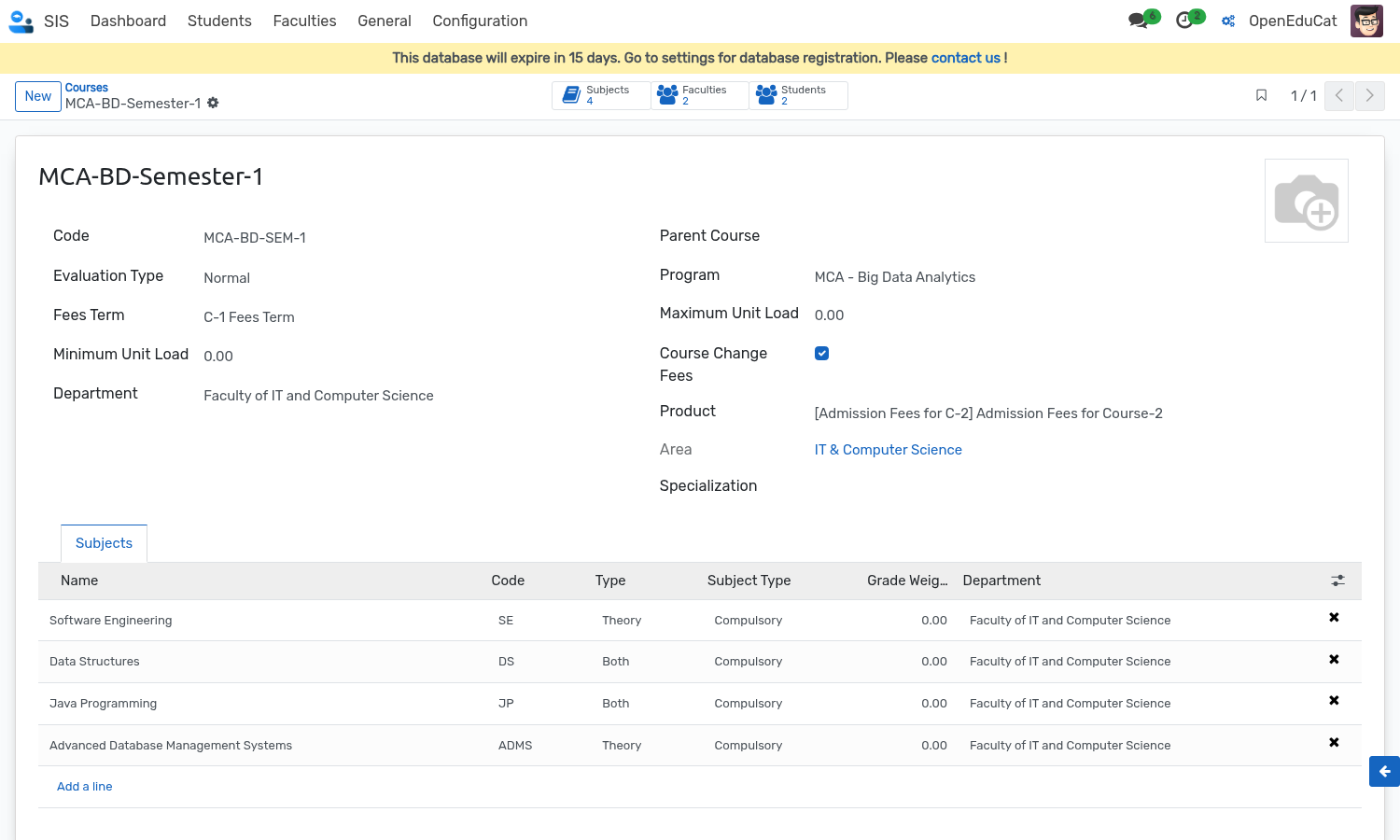
Course Change Fees Configuration Fields
Course Change Fees: Enable this toggle/checkbox on a course to charge a course-change fee for students transferring into it.
Product: When Course Change Fees is enabled, select the service product (from
product.product) whose sales price represents the course transfer fee. This product is used to build the sale order when the student pays the transfer fee online and sets the whole course fees upon approval.
Note
Only students with a running course enrollment can submit a course change request. When selecting their current course, only courses with an active running enrollment are available for selection.