
Chat Widget
The AIO Chat Widget (aio_chat_widget) module provides a generic, reusable AI chat window component integrated natively into the OpenEduCat interface. It enables users to interact with AI agents directly from any page in Odoo via a top navigation bar (systray) icon, featuring real-time message streaming, markdown rendering, and context-aware assistance.
Key Features
Systray Quick Access: Dedicated AI icon in the top navigation bar for immediate access from any screen.
Flexible Window Management: Docked floating window with controls to minimize, expand to fullscreen, or close.
Real-time Message Streaming: Progressive text rendering as the AI generates responses, minimizing wait time.
Rich Markdown & Code Rendering: Supports formatted text, bullet lists, tables, and code snippets with XSS security.
Session & Context Awareness: Automatically retains chat history and active model/record context during the session.
Interface & Workflow
1. Launching from Systray
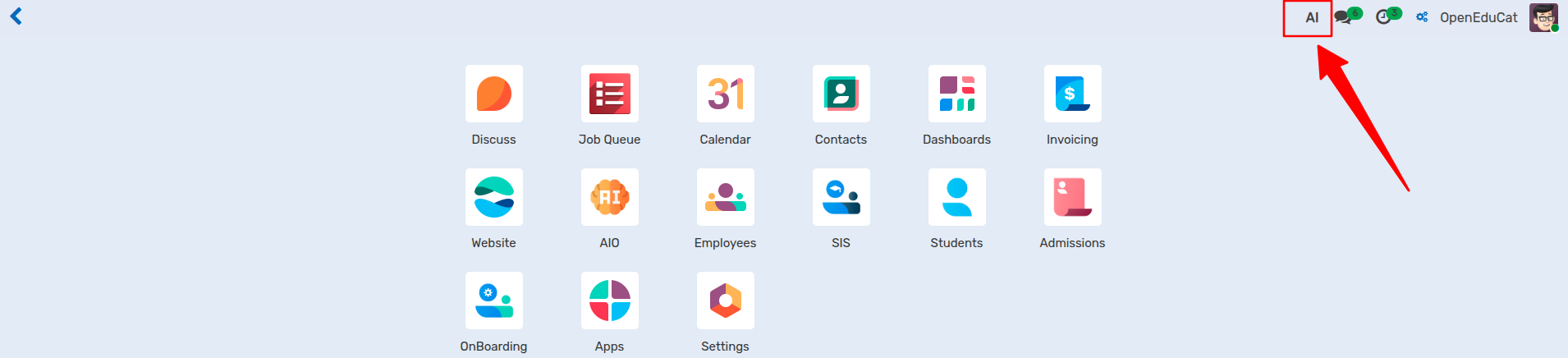
Click the AI Chat Icon located in the top-right navigation bar (systray) of the Odoo interface.
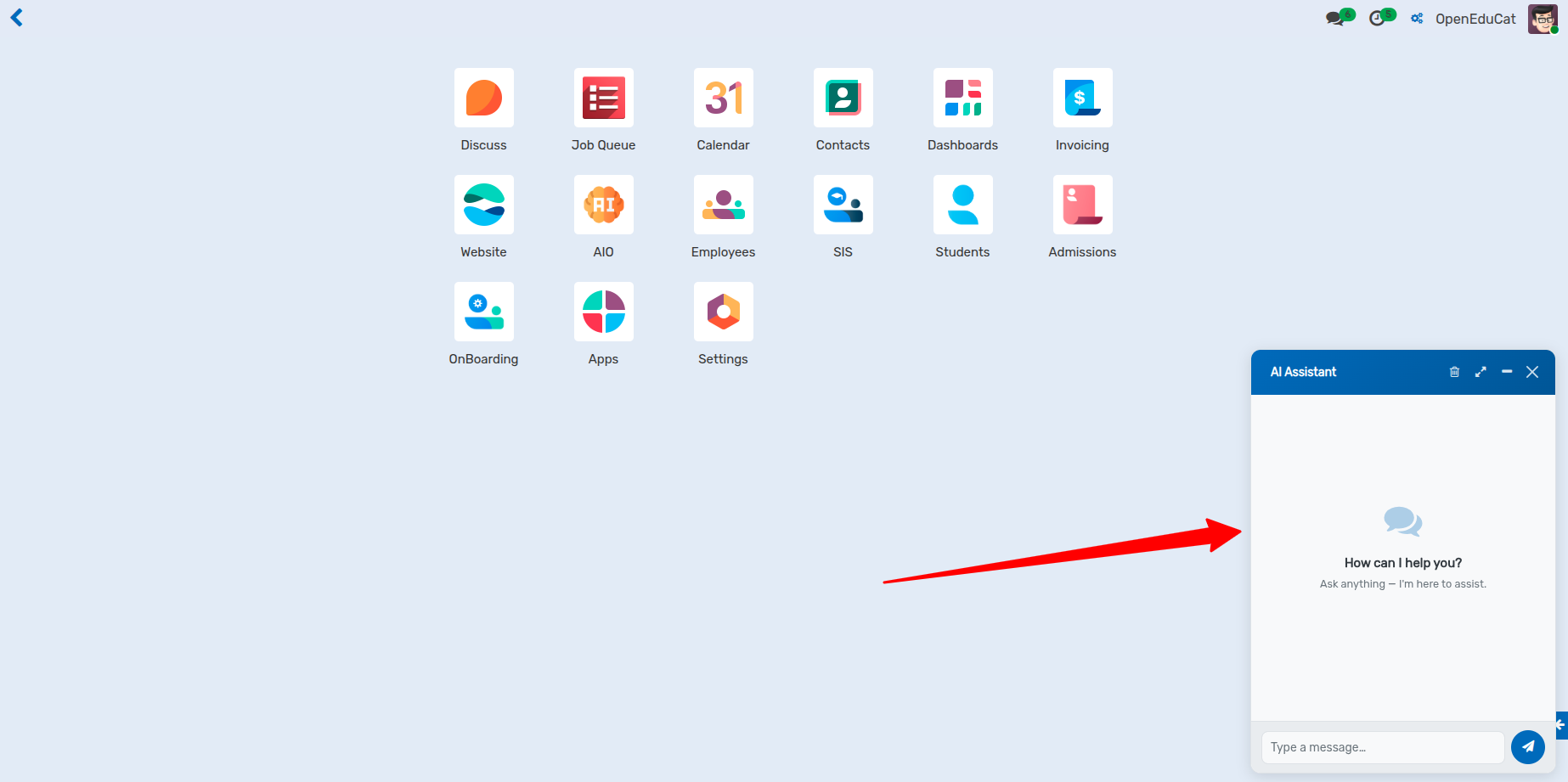
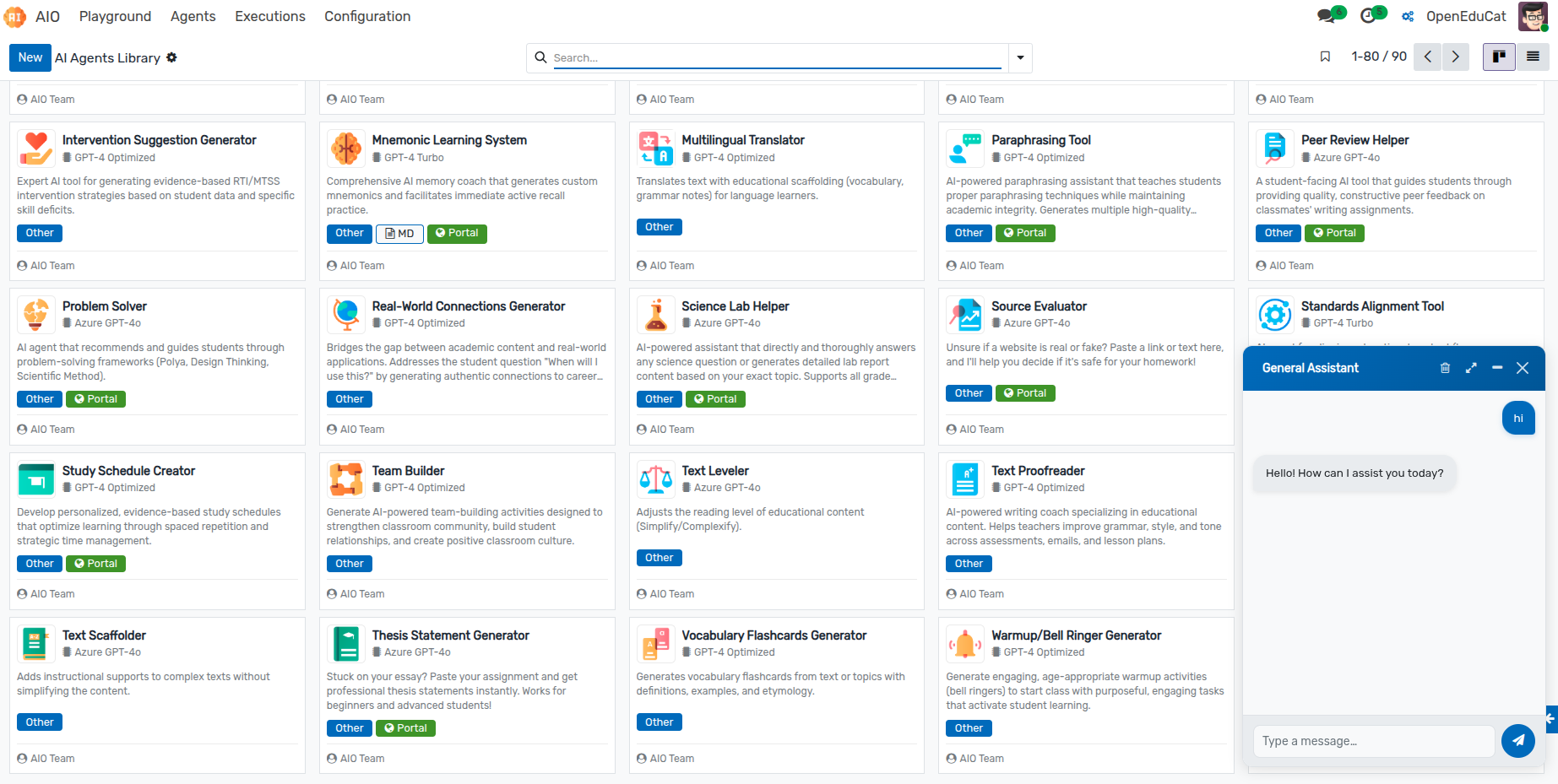
The floating chat window opens in the bottom-right corner of your screen.
2. Window Controls & Management
Use the header icons on the chat window to control the workspace:
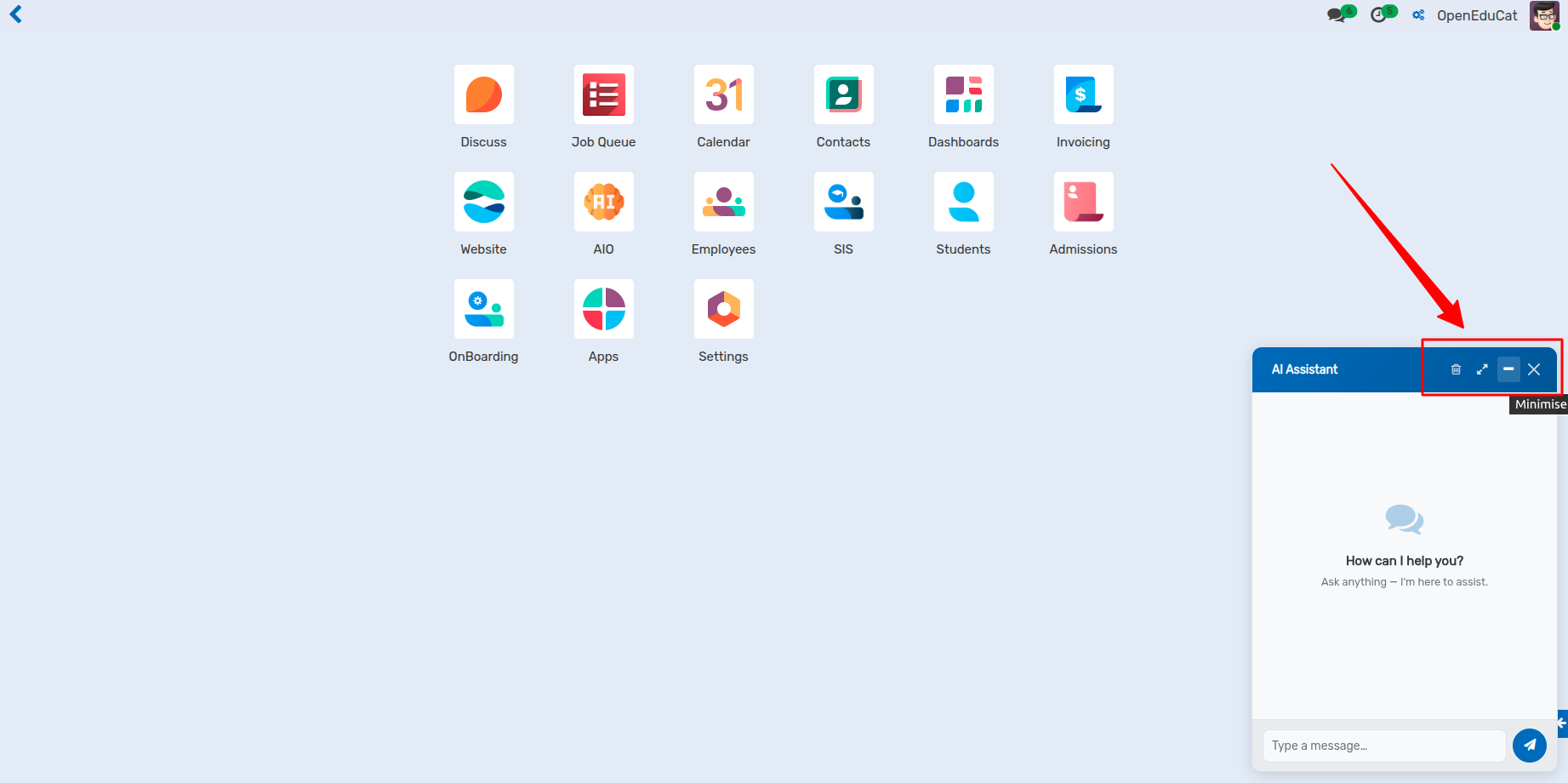
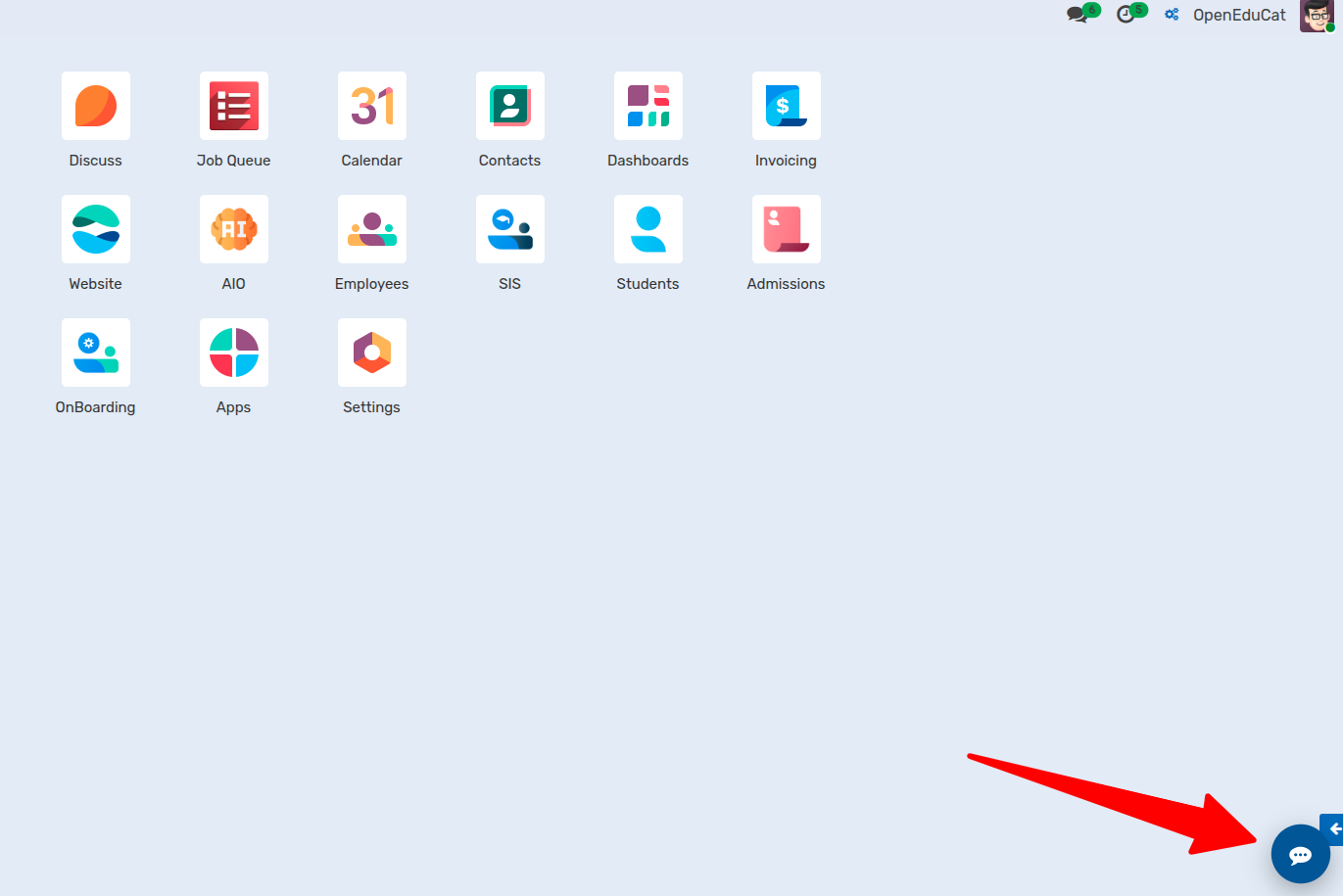
Minimize: Collapse the window into a compact dock at the bottom screen edge.
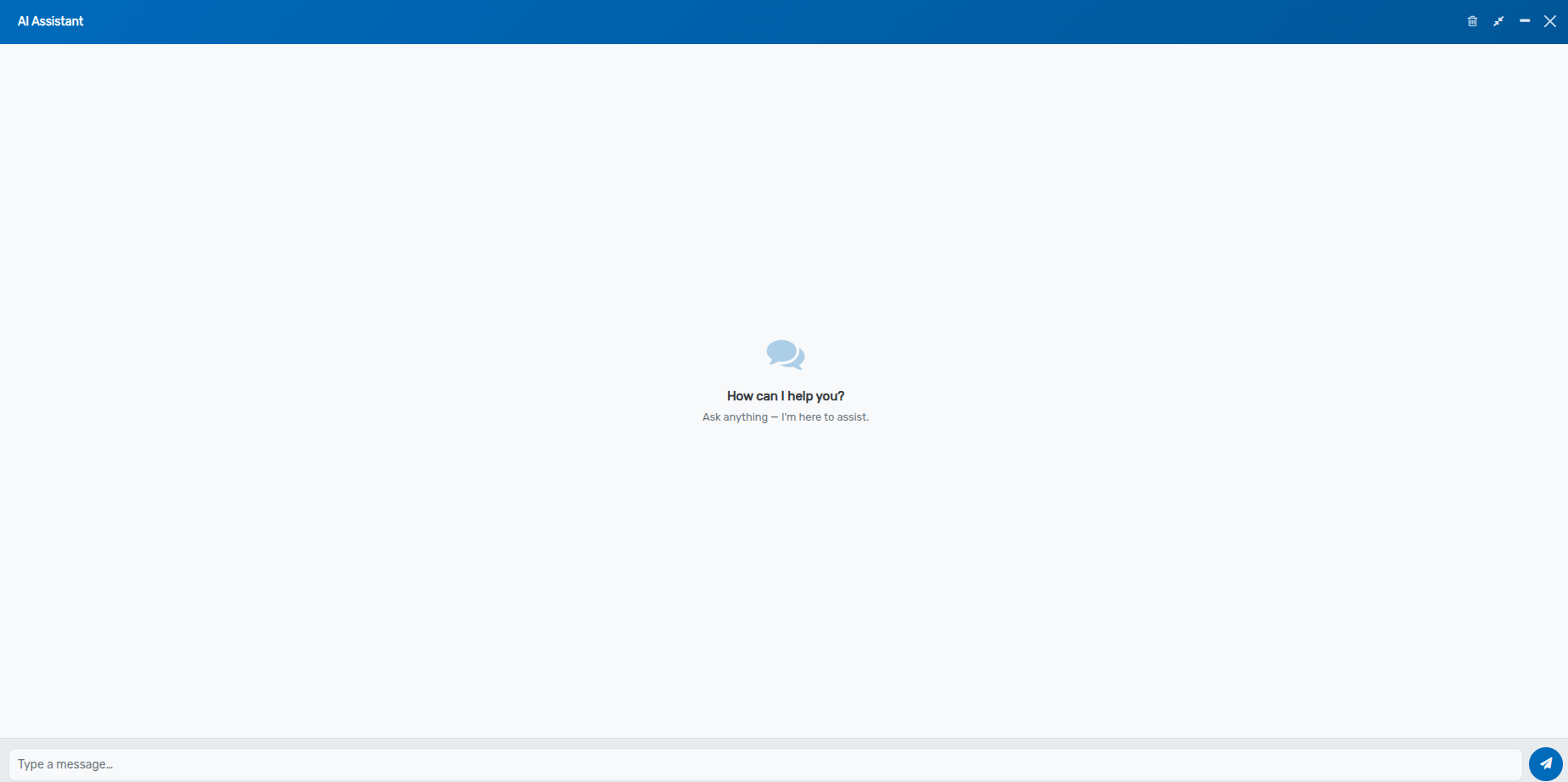
Fullscreen: Expand the chat interface for a full, distraction-free view.
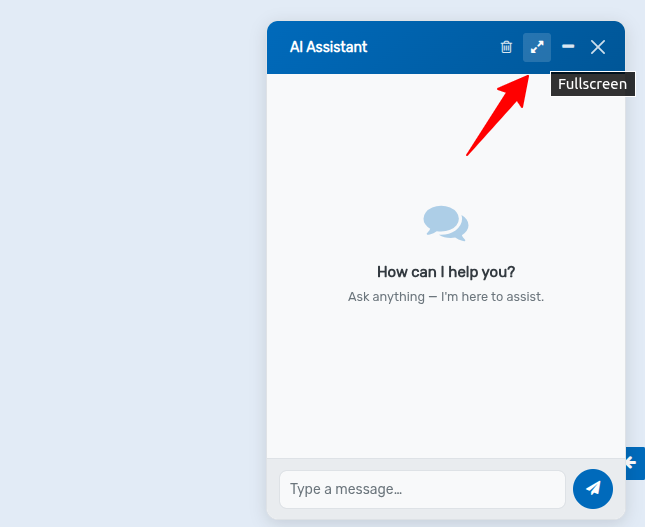
Clear Chat: Reset the current conversation context and start a fresh session.
Close: Hide the chat window.
3. Real-Time Message Streaming & Markdown
Live Streaming: Responses stream chunk-by-chunk in real time with auto-scrolling to keep up with incoming text.
Rich Formatting: Bold text, lists, tables, and fenced code blocks render cleanly with syntax formatting.
Backend Architecture & Integration
Execution Endpoint: Communicates directly with the backend
aio.agentservice using synchronous playground execution (execute_agent_sync).Context Payload: Passes model name (
res_model) and active ID (res_id) to provide context-aware AI assistance for the current record.Error Resilience: Catches network or execution errors gracefully and displays user-friendly toast notifications and in-chat error logs.